Account
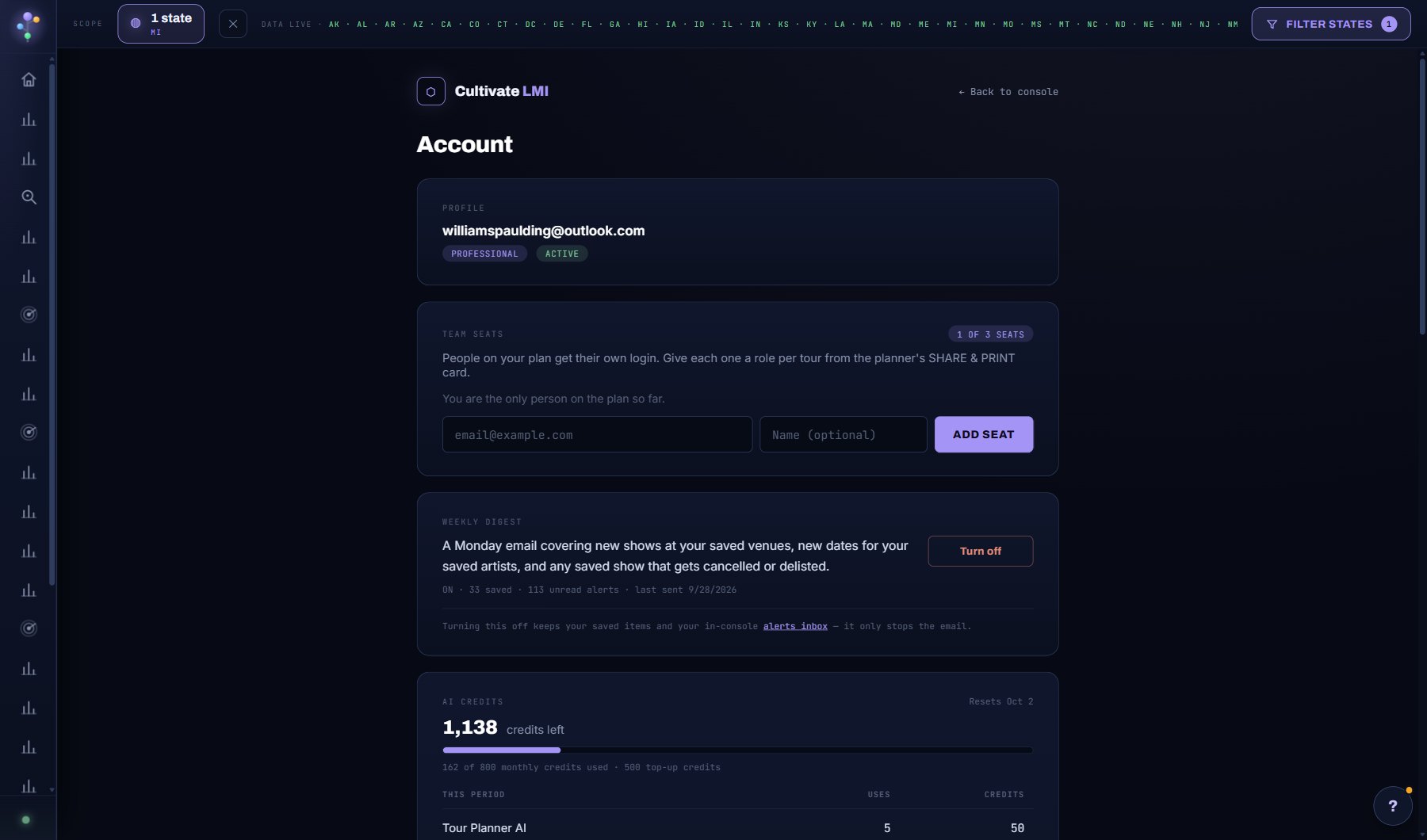
Five sections. Your AI: tell your AI Assistant who you are and what you work on (your role, acts, venues, territory, genres, venue size, the voice you want), and see what Cultivate knows about you; every one-sheet, booking profile, draft and answer is then written for you. Plan and credits: the plan, AI credits used and top-ups, the subscription and invoices; MANAGE BILLING opens Stripe's billing page, where the owner changes plan or billing cycle (prorated), updates the card, sees invoices or cancels. If a renewal payment fails the account keeps working while Stripe retries the card, with a banner and an email asking for a new card; the subscription ends only if the card keeps failing. Team: invite teammates and choose each one's role, with the table of what every role can do. Security: your password and API access. Activity: the audit log and the weekly digest.
Tutorials for this screen
What is on the screen
- Your AI: the profile your AI Assistant reads, WHAT YOUR AI ASSISTANT READS and WHAT CULTIVATE KNOWS ABOUT YOU.
- Plan and credits: the plan, credits used and top-up packs, the subscription and invoices, MANAGE BILLING.
- Team: the people on the account, invite by email, each one's role, and WHAT EACH ROLE CAN DO.
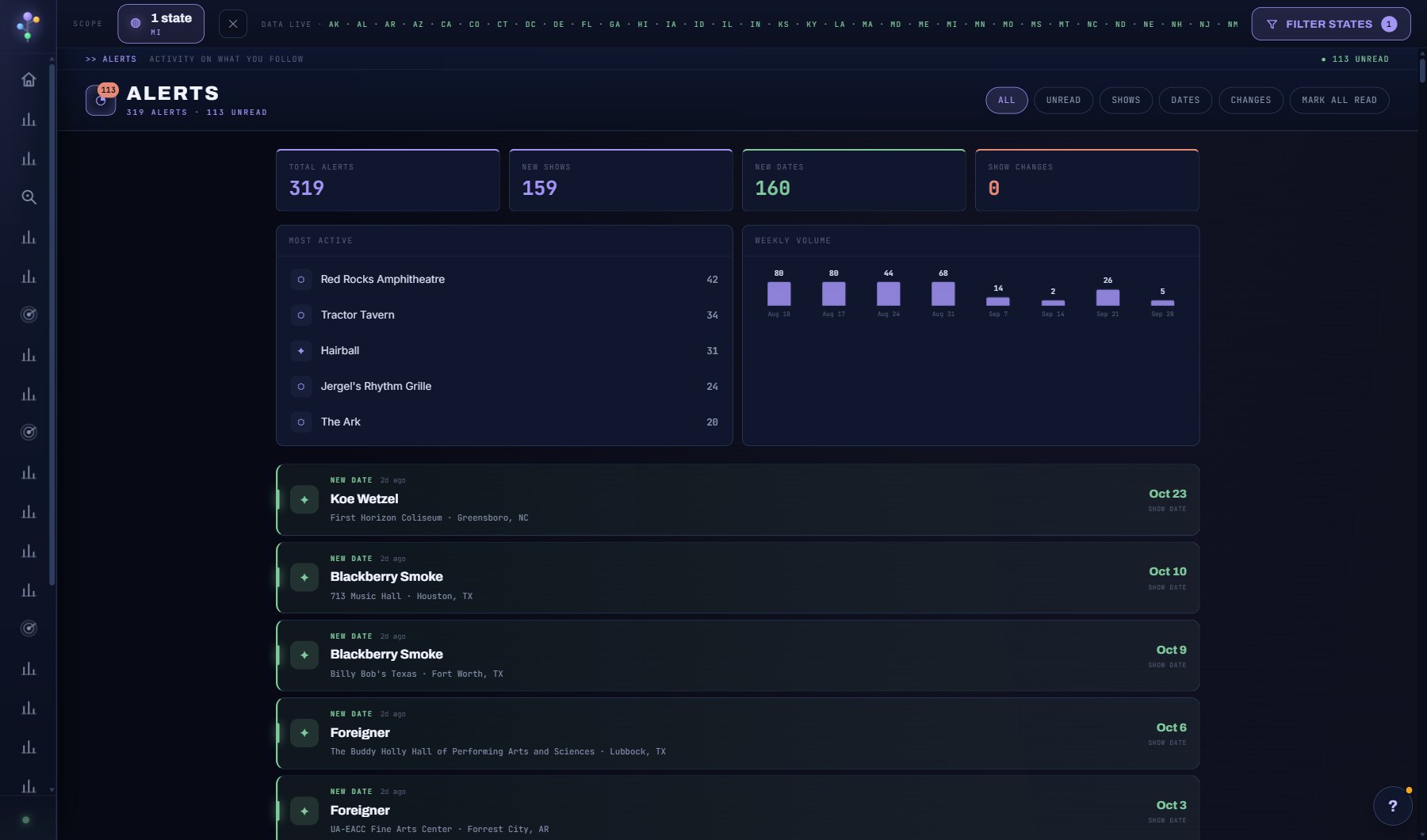
- Security: your password and, on Enterprise, the API key; Activity: the audit log and the weekly digest.
Try this
- Fill in Your AI: pick what you are, name the acts you represent or the venues you book, your states and the genres you work. Open WHAT YOUR AI ASSISTANT READS to see the exact paragraph every AI feature now gets.
- Invite a teammate by email and pick their role: Admin, Booker, Researcher, Tour crew or Viewer. Booker is the default, and the role can be changed later from the same list.
- Open WHAT EACH ROLE CAN DO for the full table of what every role can and can't do.
- Check the AUDIT LOG to see who invited people, changed roles, deleted records, made share links or downloaded data.
AI on this screen
No AI on this screen. Everything here is computed from the data and costs nothing.
Plan
Every plan. Explorer is a single-user plan; Professional has 3 seats and Enterprise 10. The Owner and Admins manage people and roles; only the Owner changes the plan, the card or cancels. See plans and seats.
Related screens
Where to find it
In the console: Account. Press ? on any screen for this guide inside the console, or open the screen if you are signed in.