Guide / Research
Venue Market
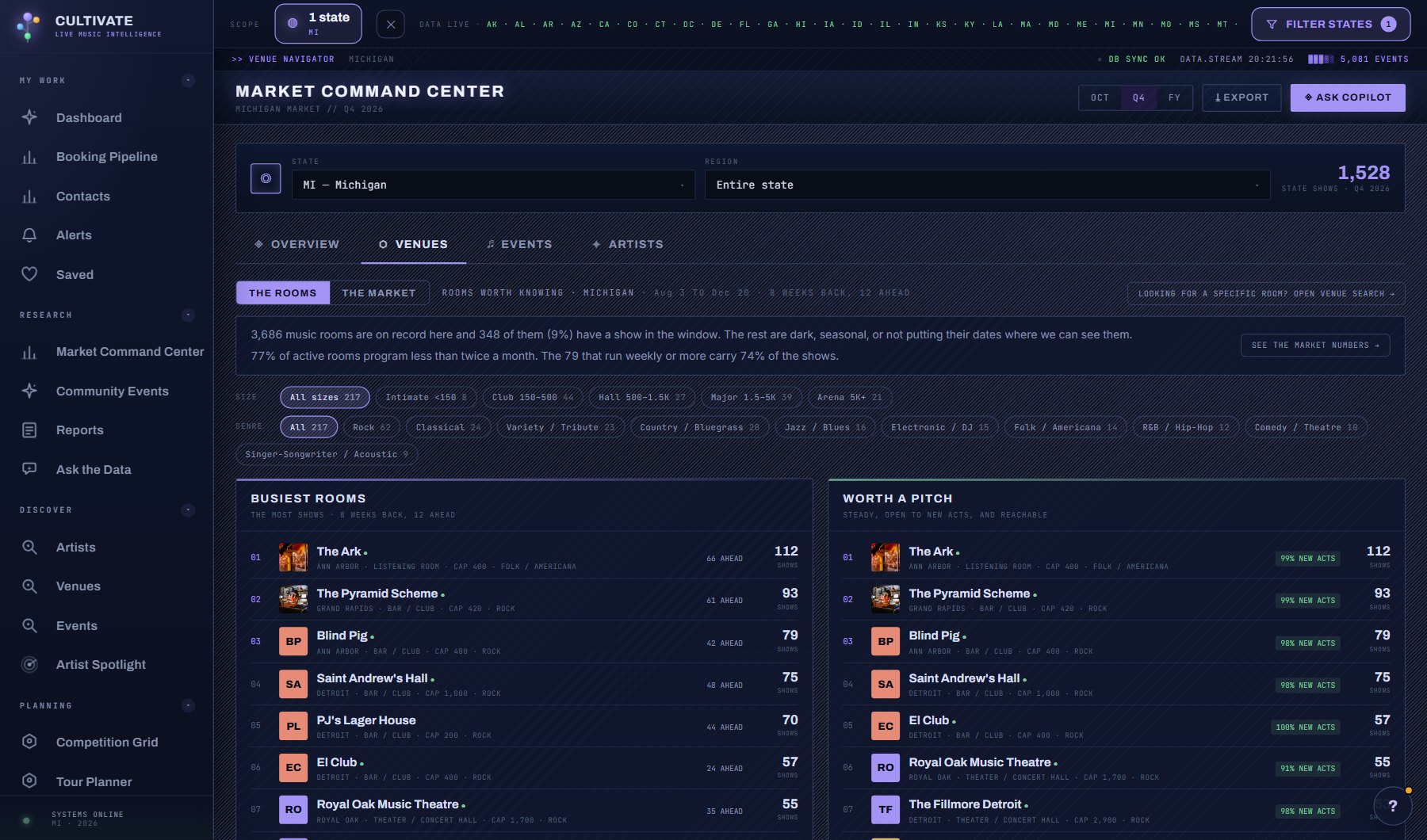
Two views of the venues in a market. The Venues, the default, names them: busiest, worth a pitch, gaining momentum and biggest stages, with size and genre filters. The Market is the numbers behind the names: how many of the venues on record actually book, how often they program, what kind and size of venue carries the shows, whether a booking contact is on file, whether venues bring in new acts or lean on house acts, where each genre lives, and which venues are worth a pitch.
WhereResearch > Music Market > Venues tab
PlanEvery plan
AI on this screenNone: everything is computed
What is on the screen
- Two views, switched at the top: The Venues (names) and The Market (numbers).
- The Venues: busiest, worth a pitch, gaining momentum and biggest stages, with size and genre chips that every list follows; a green dot marks a booking contact on file.
- The Market: venues on record against active venues, how often they program, what kind and size of venue carries the shows, booking-contact coverage, open-door venues against house-act venues, where each genre lives.
- The Read: sentences computed from the numbers on the page, at no cost.
- Venues worth a pitch and Busy, but no booking contact yet, each venue a click away.
Try this
- Start on The Venues. Pick a size chip for the band where your act belongs and a genre chip for what it plays; every list follows.
- A green dot beside a venue means a booking contact is on file. Click the venue for its profile and the contact.
- Switch to The Market and read the sentences under The Read. They are computed from the numbers on the page and cost nothing.
- Compare Venues on record with Active venues. The gap is venues that are dark, seasonal, or not posting their dates.
- Look at Size for the band where your act belongs: it shows how many of those venues are active and how many have a booking contact.
- Work down Venues worth a pitch. Each one programs steadily, brings in different acts and has a booking contact on file. Click a venue for its profile.
- Check Busy, but no booking contact yet for busy venues you will have to reach through their website or phone.
- In THE MARKET view, click a kind of venue, a size tier, an activity band, a genre home or a region to drill into those venues.
AI on this screen
No AI on this screen. Everything here is computed from the data and costs nothing.
Plan
Every plan. See plans and seats.
Related screens
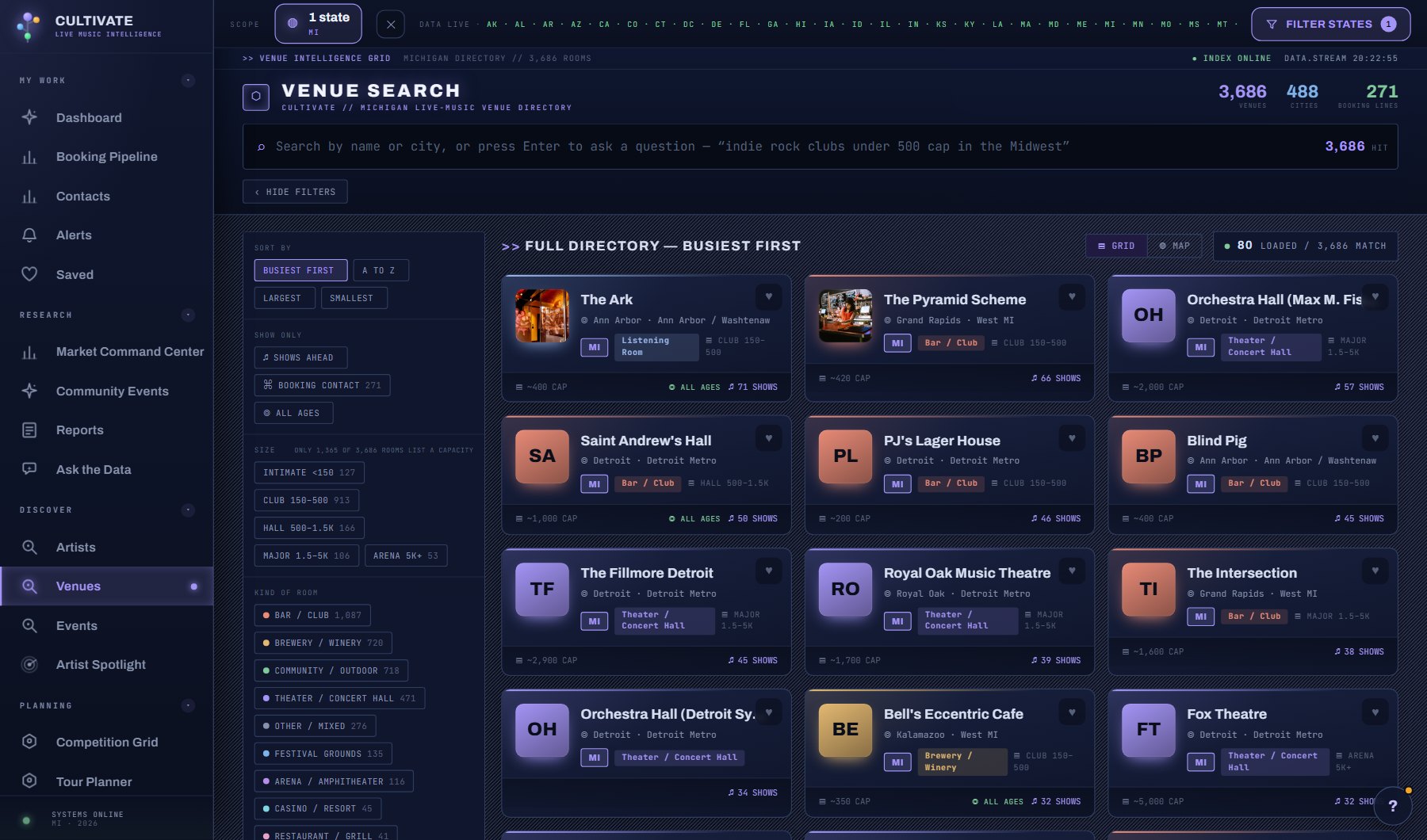
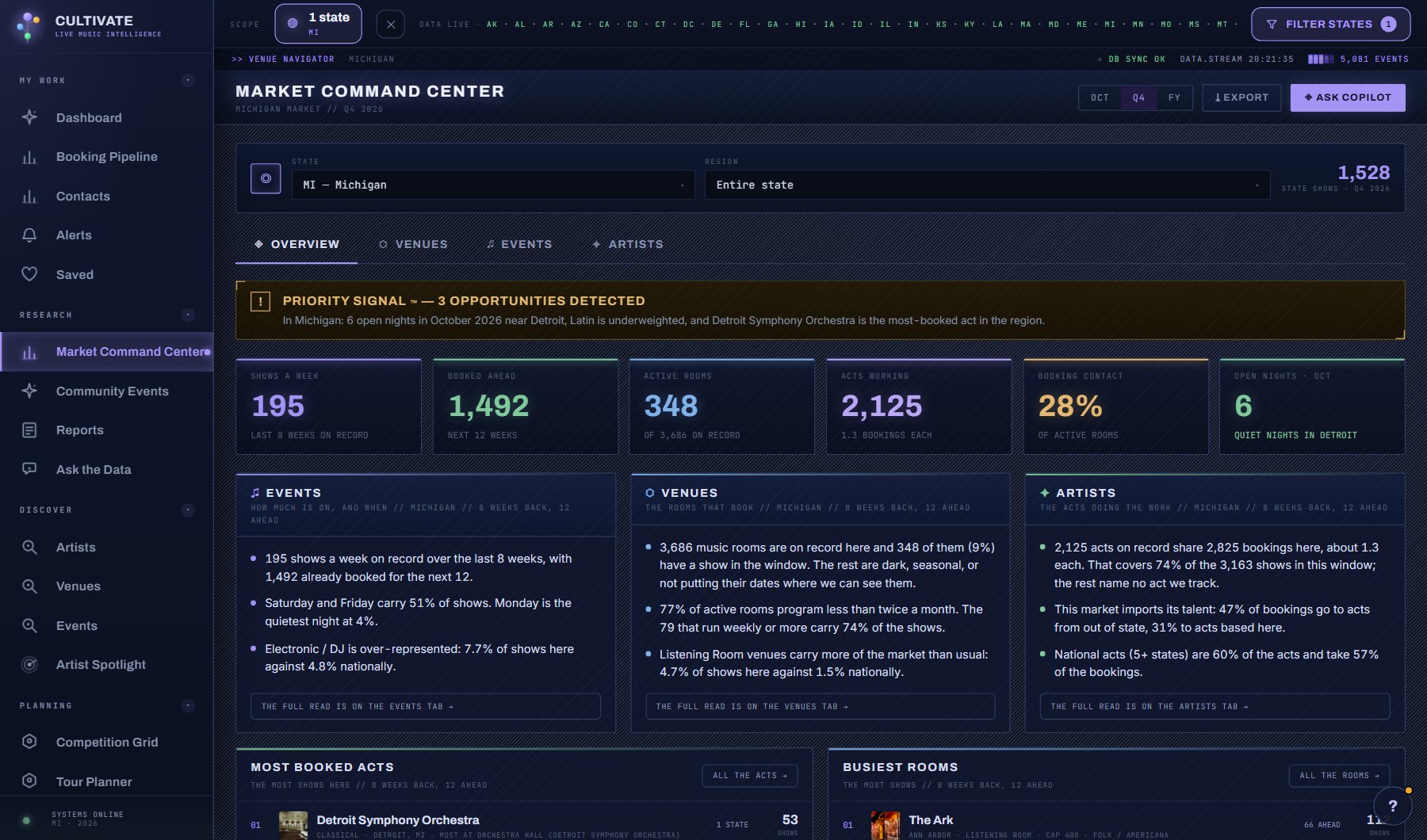
Where to find it
In the console: Research > Music Market > Venues tab. Press ? on any screen for this guide inside the console, or open the screen if you are signed in.