Guide / My Work
My Dashboard
Your own week in one place: the tours you are working, tasks and follow-ups that are due, the venues and acts you follow, and a briefing on what changed for them.
WhereMy Work > Dashboard
PlanEvery plan
AI on this screen1 metered action
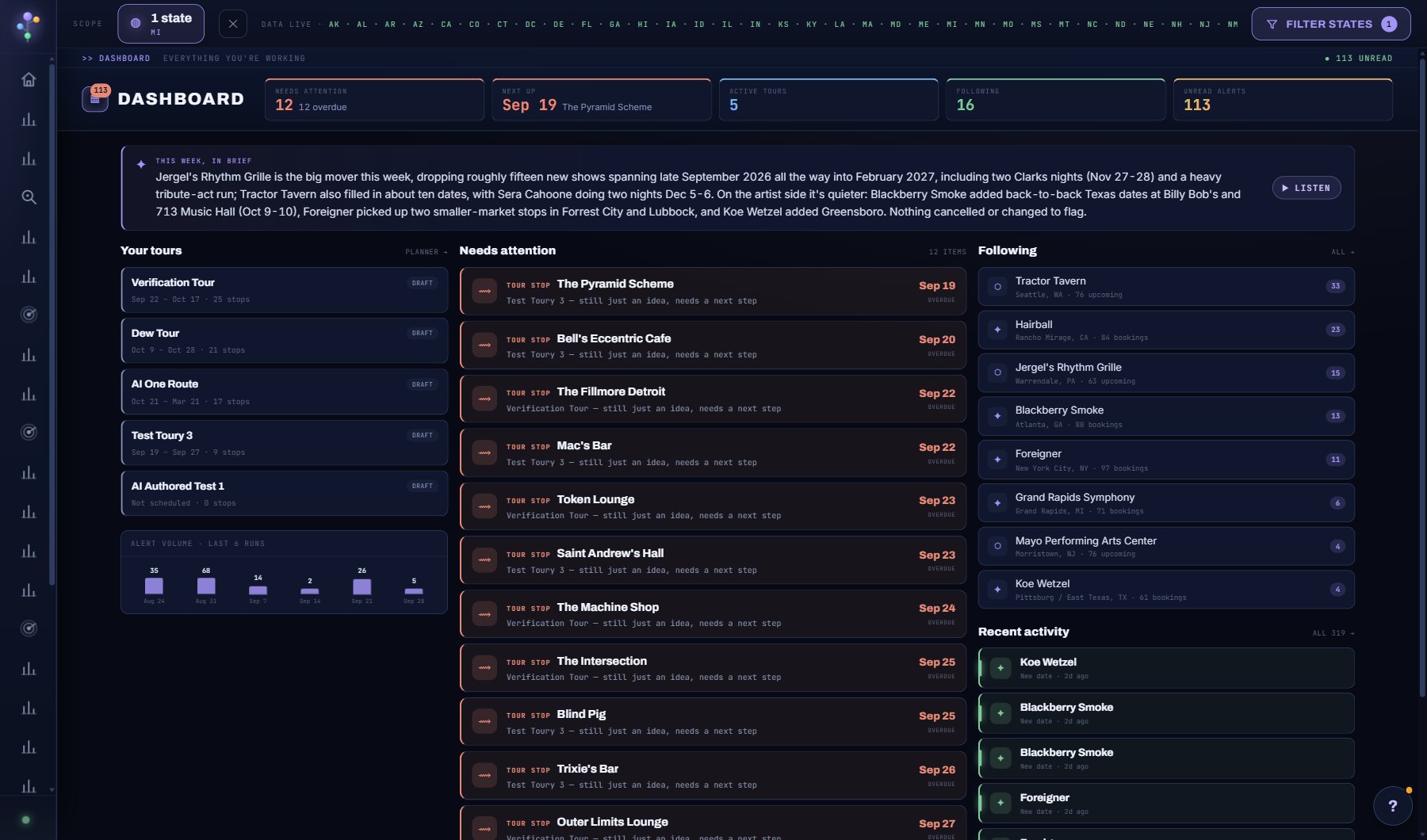
What is on the screen
- The weekly briefing at the top, written by your AI Assistant from what changed for the venues and acts you follow, with Listen to hear it read.
- Needs attention: due and overdue tasks, holds about to lapse, deals that have gone quiet and idle projects, each a click from its record, each with DISMISS.
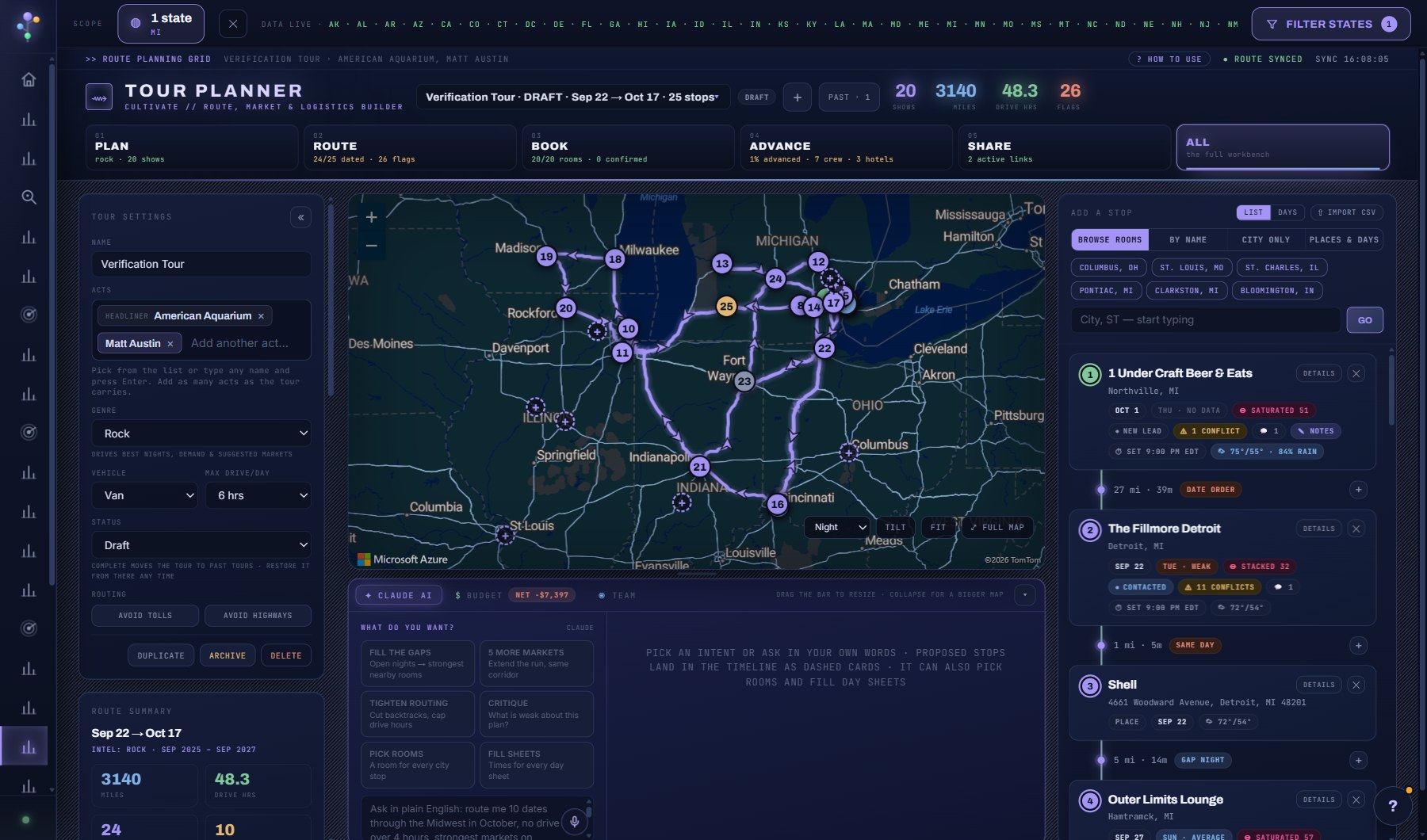
- Your tours: the tours you are working, with the next stop and what it still needs.
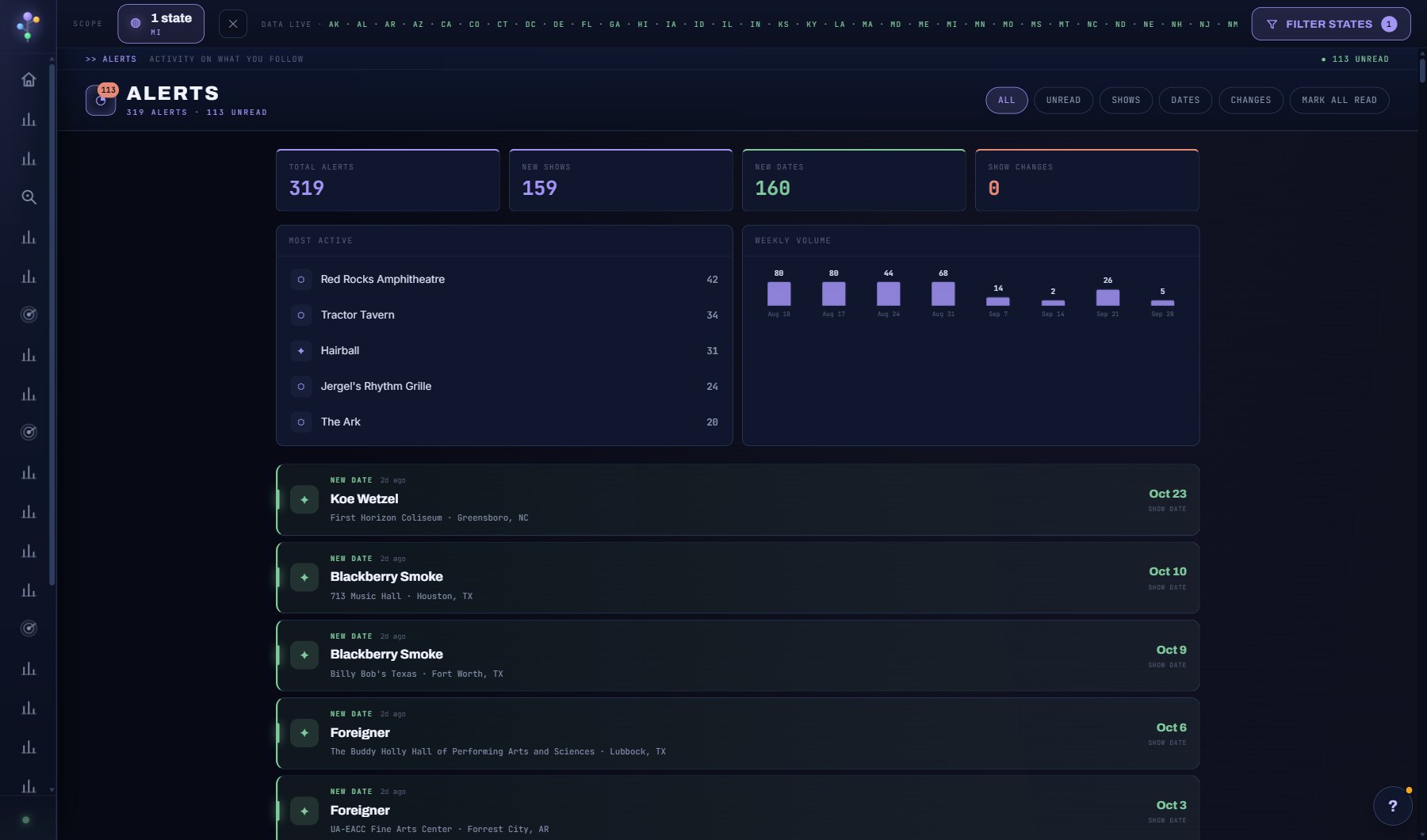
- The venues and acts you follow, with their latest change, and Recent activity: the newest alerts with DELETE on each row.
Try this
- Press Listen on the weekly briefing to hear it read aloud while you get set up.
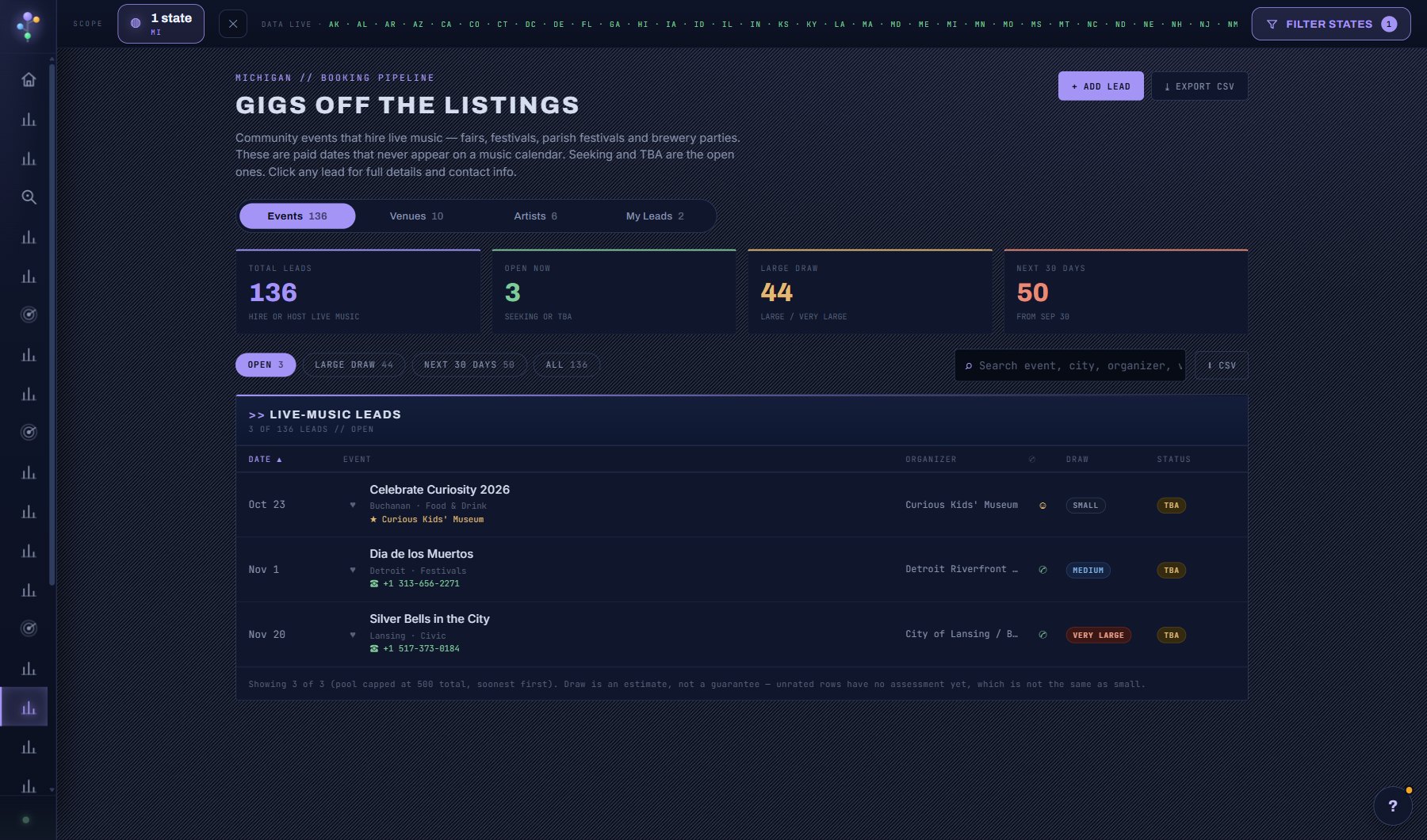
- Open a due follow-up straight from the Tasks strip. It lands you on the lead in the Booking Pipeline.
- Needs attention lists holds that lapse within a week (Hold expires, with the day) beside due tasks, quiet deals and idle projects. Open one to confirm the date or release it, or DISMISS it; it comes back if the date changes.
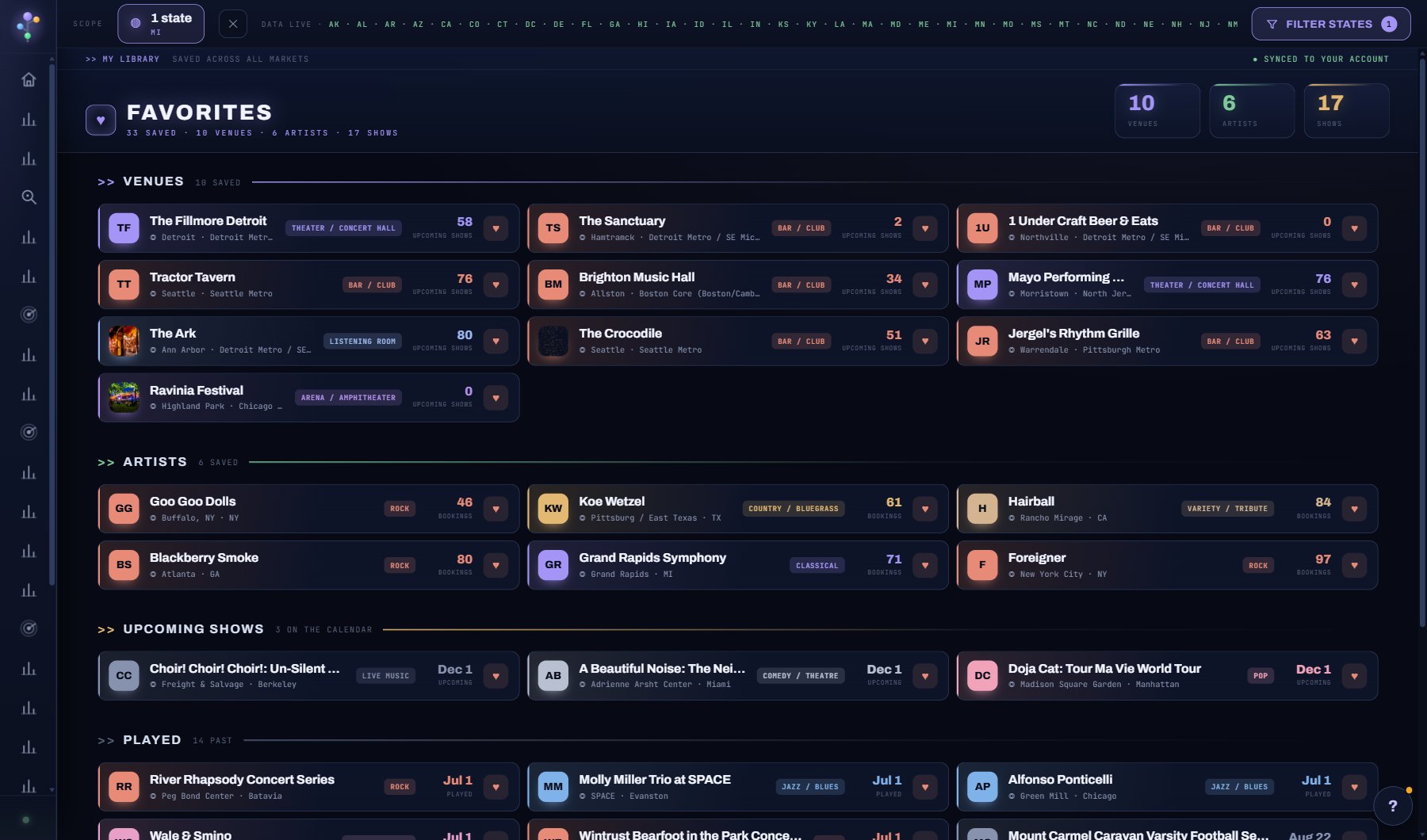
- Pin the venues and acts you care about with the heart on any row; they show here from then on.
AI on this screen
Dashboard briefing1 CREDIT
The cost is on the button before you press it. Reopening a saved report is free, and nothing is charged for an error or an empty answer. See AI credits.
Plan
Every plan. The weekly briefing and alerts are part of Professional. See plans and seats.
Related screens
Where to find it
In the console: My Work > Dashboard. Press ? on any screen for this guide inside the console, or open the screen if you are signed in.