Guide / My Work
Contacts
Your own address book of people: crew, buyers, agents and managers you have saved or added, ready to attach to tours and leads.
WhereMy Work > Contacts
PlanEvery plan
AI on this screenNone: everything is computed
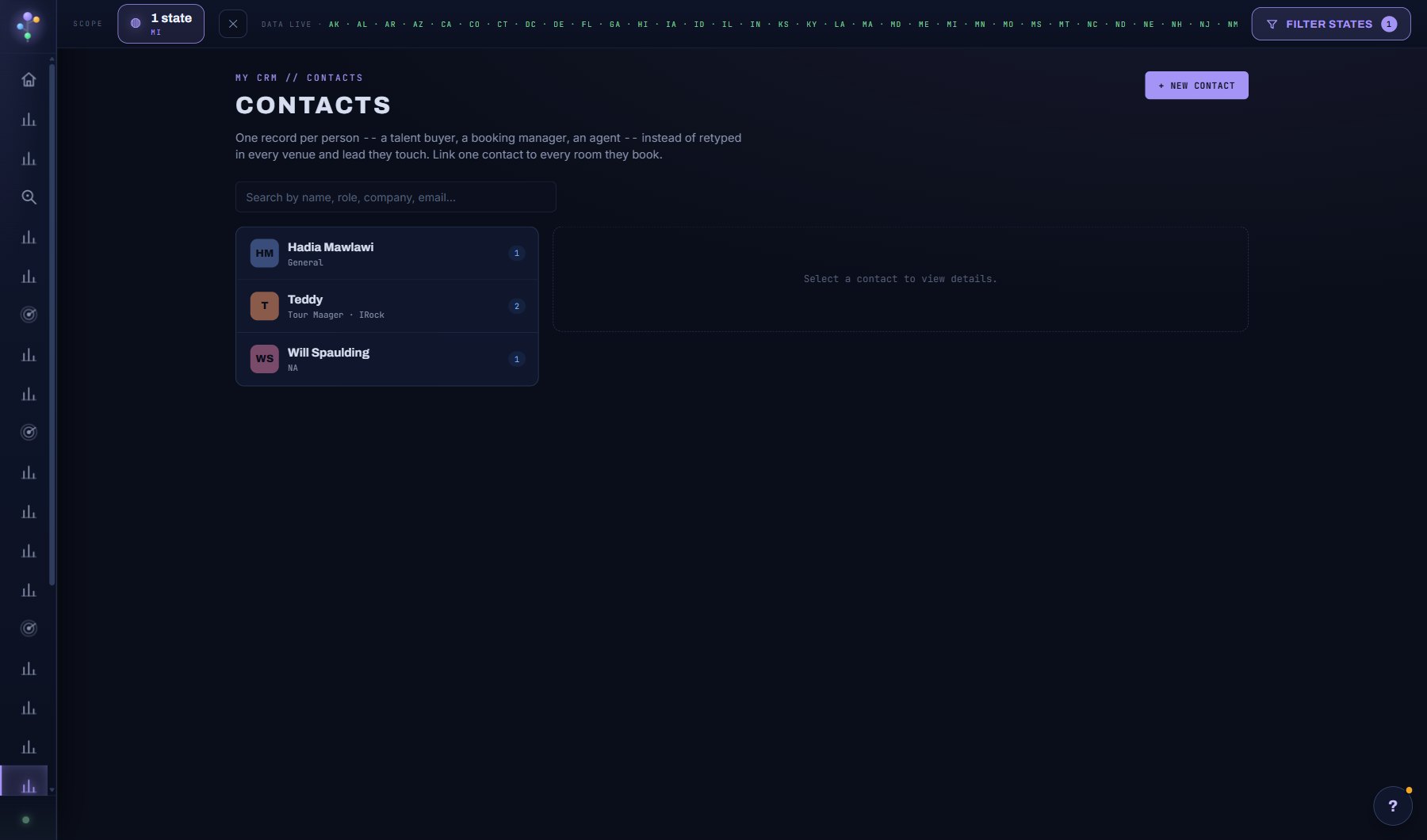
What is on the screen
- The search box, the chips (what the contact is linked to, roles) and the state and sort selectors.
- People you could add, folded above the list: the booking contacts on record for your saved venues and acts.
- The table: name with role and company, email, phone, the venues, acts and leads linked, where, and when the record changed.
- A contact's window over the list: COPY, EMAIL, DRAFT OUTREACH, EDIT, DELETE; LINKED TO with + LINK; the deals and tour stops around them; dated notes.
Try this
- Save a venue or artist contact from any detail modal with the Save button beside it.
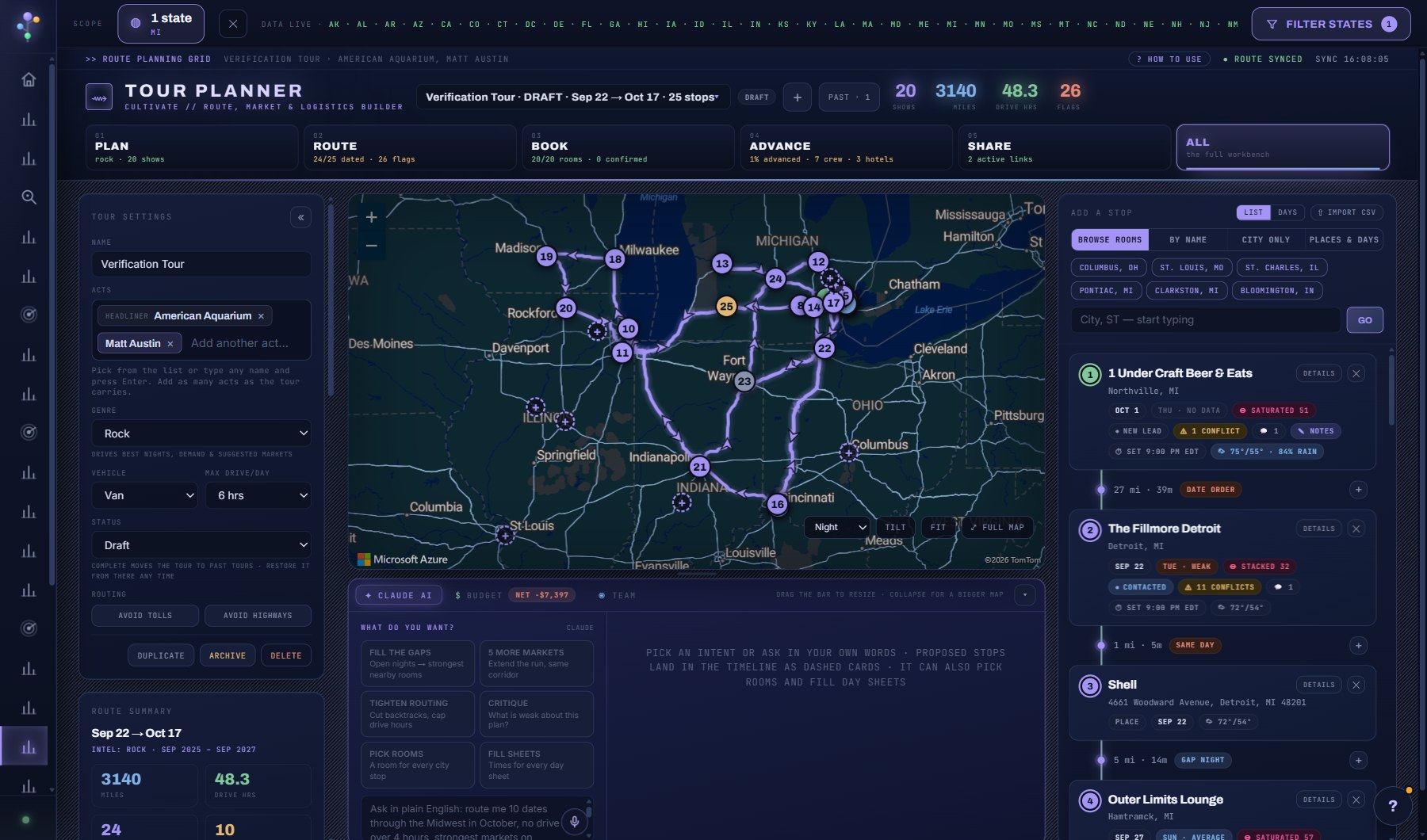
- Add crew here once, then pick them on any tour's crew list.
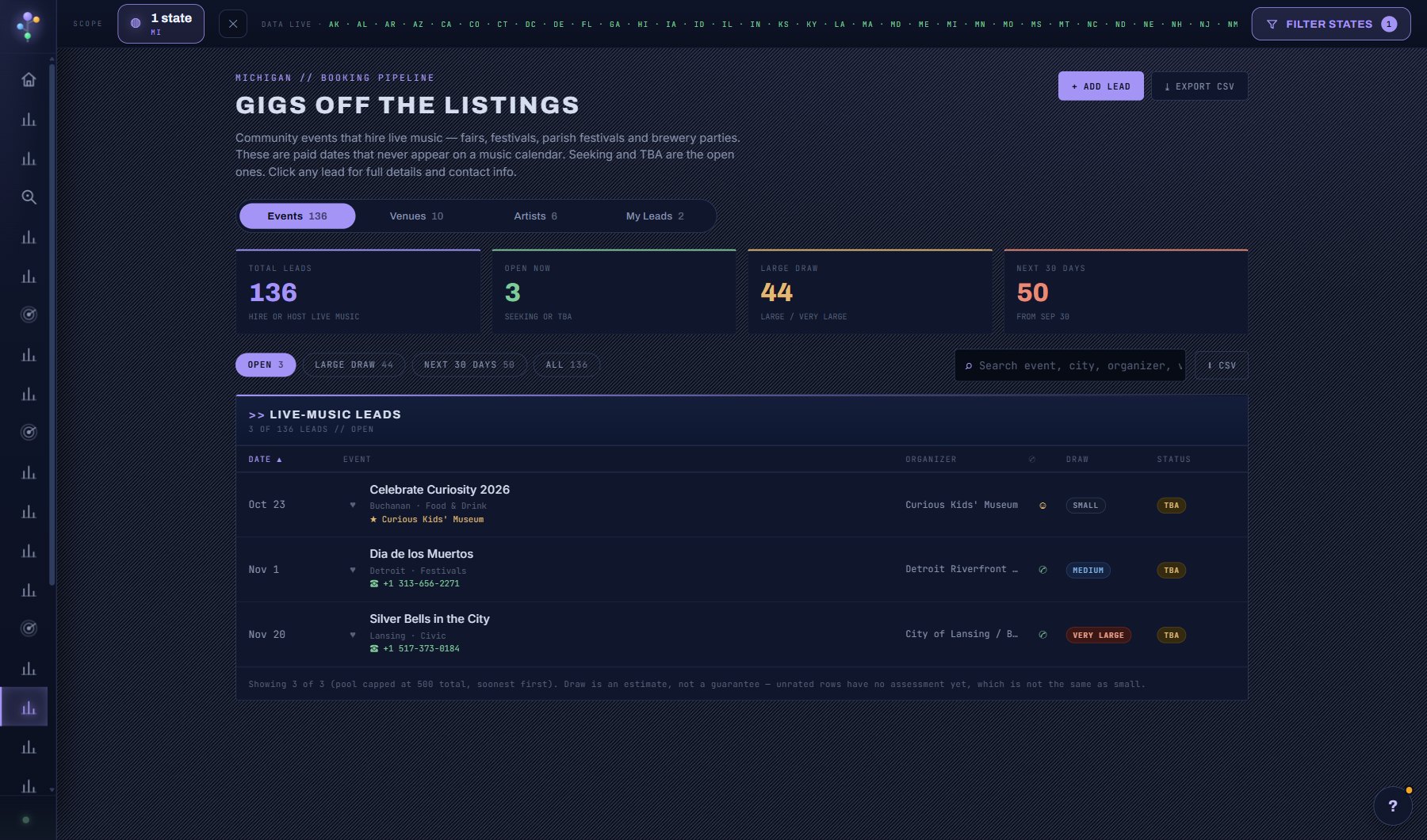
- Link a contact to a lead in the Booking Pipeline so the person and the venue stay together.
- Filter the list by what a contact is linked to (venues, acts, leads, nothing yet), by role, or by state, and sort by name or by when they were added or last changed.
- The list is a table across the page: name, role and company, email, phone, the venues, acts and leads each contact is linked to, where, and when the record last changed. Click a row and the contact opens in a window over the list; the X, Escape or a click outside closes it.
- A contact's window shows every deal and tour stop on the venues, acts and leads they are linked to, when they were last touched, and buttons to copy or email the address or jump to the lead's outreach draft.
- People you could add, folded above the list, offers the booking contacts on record for the venues and acts you have saved, lead-staged or opened a deal on; open it and one click adds and links them.
- Two of your contacts with the same email or phone are flagged as doubles on either one, with a button to fold the others into it.
AI on this screen
No AI on this screen. Everything here is computed from the data and costs nothing.
Plan
Every plan. See plans and seats.
Related screens
Where to find it
In the console: My Work > Contacts. Press ? on any screen for this guide inside the console, or open the screen if you are signed in.