Guide / Planning
Competition Grid
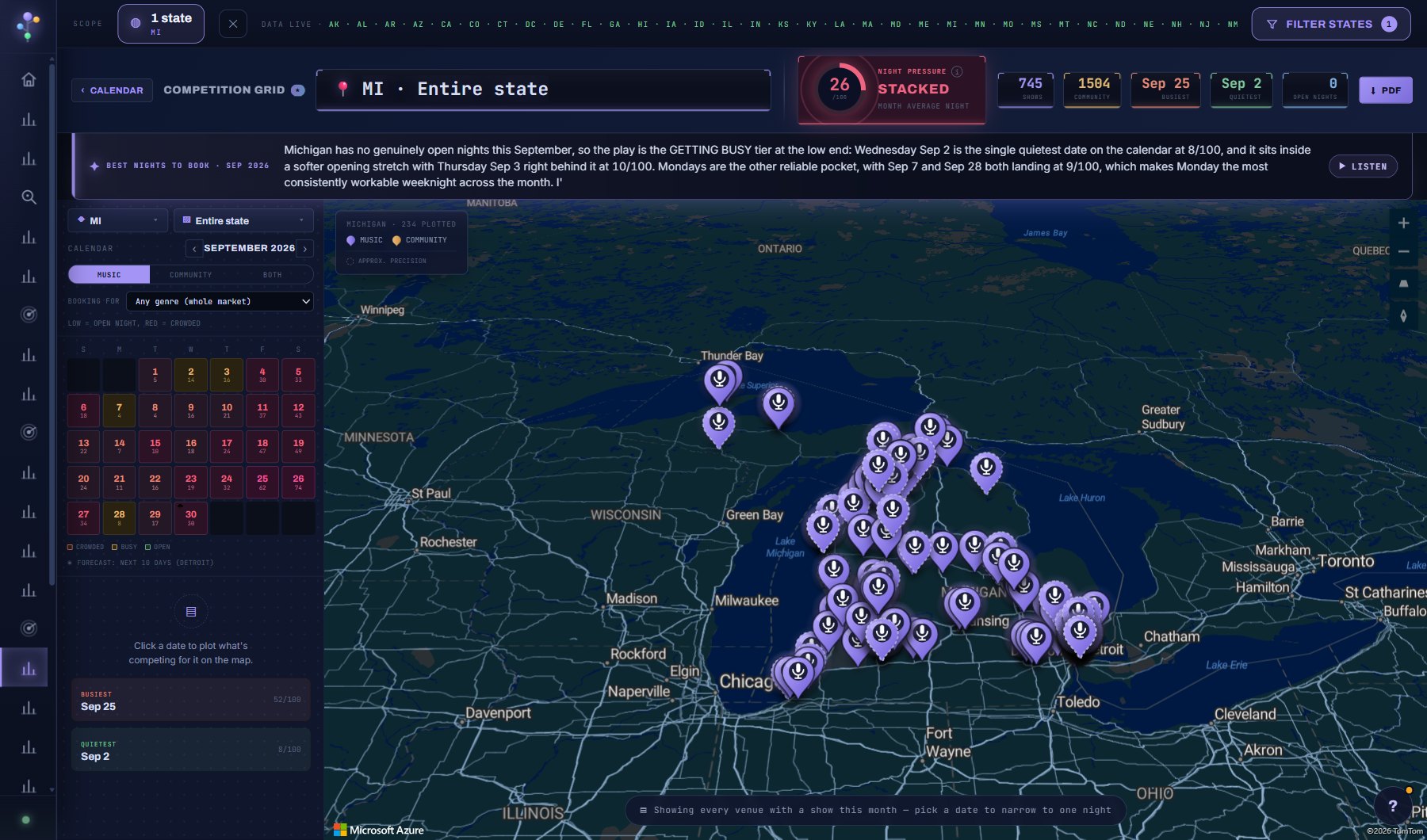
Night Pressure for every date in a region: a 0 to 100 score for how crowded a night is, built from the music shows, the community events and the size of the venues involved. GRIDLOCK, CROWDED or OPEN, night by night.
WherePlanning > Competition Grid
PlanEvery plan
AI on this screen2 metered actions
Learn it1 tutorial
Tutorials for this screen
What is on the screen
- The state and region picker, and the month arrows.
- The grid: one cell per night, coloured from OPEN through CROWDED to GRIDLOCK by Night Pressure.
- The AI brief at the top of the month, with BEST NIGHTS TO BOOK and a + beside each to add it to a project, and OPTIONS for how it reads and speaks.
- A night's drawer: the verdict, what competes on it, how many venues are busy, WHY for the one-sentence read, and the + to add it to a project.
Try this
- Read the AI brief at the top of the month; it names the nights to book and the ones to avoid.
- Click a night to see exactly what is competing on it and why it scored as it did.
- Ask for the best nights to book in the month, then send those dates to the Tour Planner.
- Open OPTIONS on the AI brief to decide whether a picked night is read at once or only when you press READ THE NIGHT, and whether the voice starts on its own or only on Listen.
AI on this screen
Night explanations1 CREDIT
Best nights to book1 CREDIT
The cost is on the button before you press it. Reopening a saved report is free, and nothing is charged for an error or an empty answer. See AI credits.
Plan
Every plan. See plans and seats.
Related screens
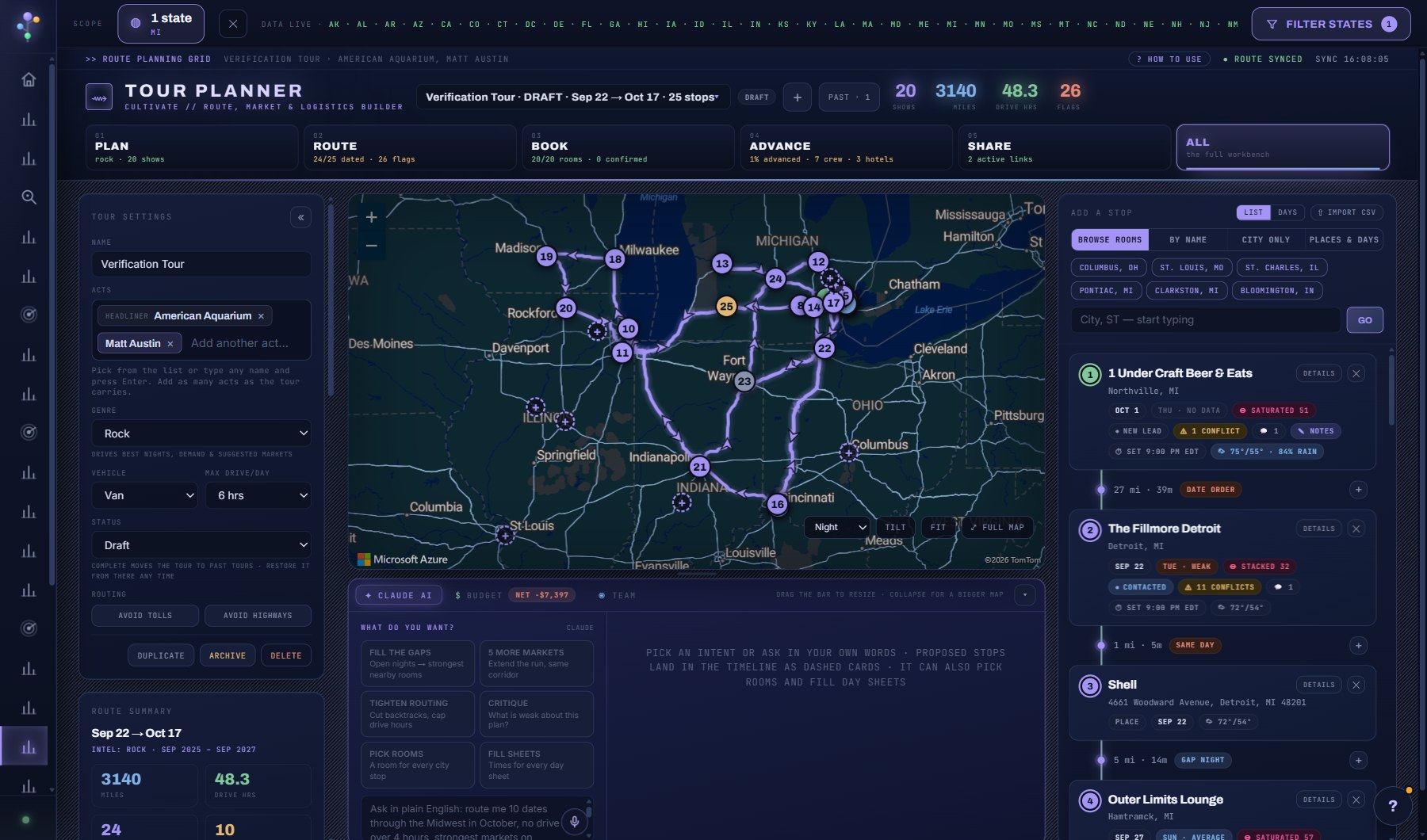
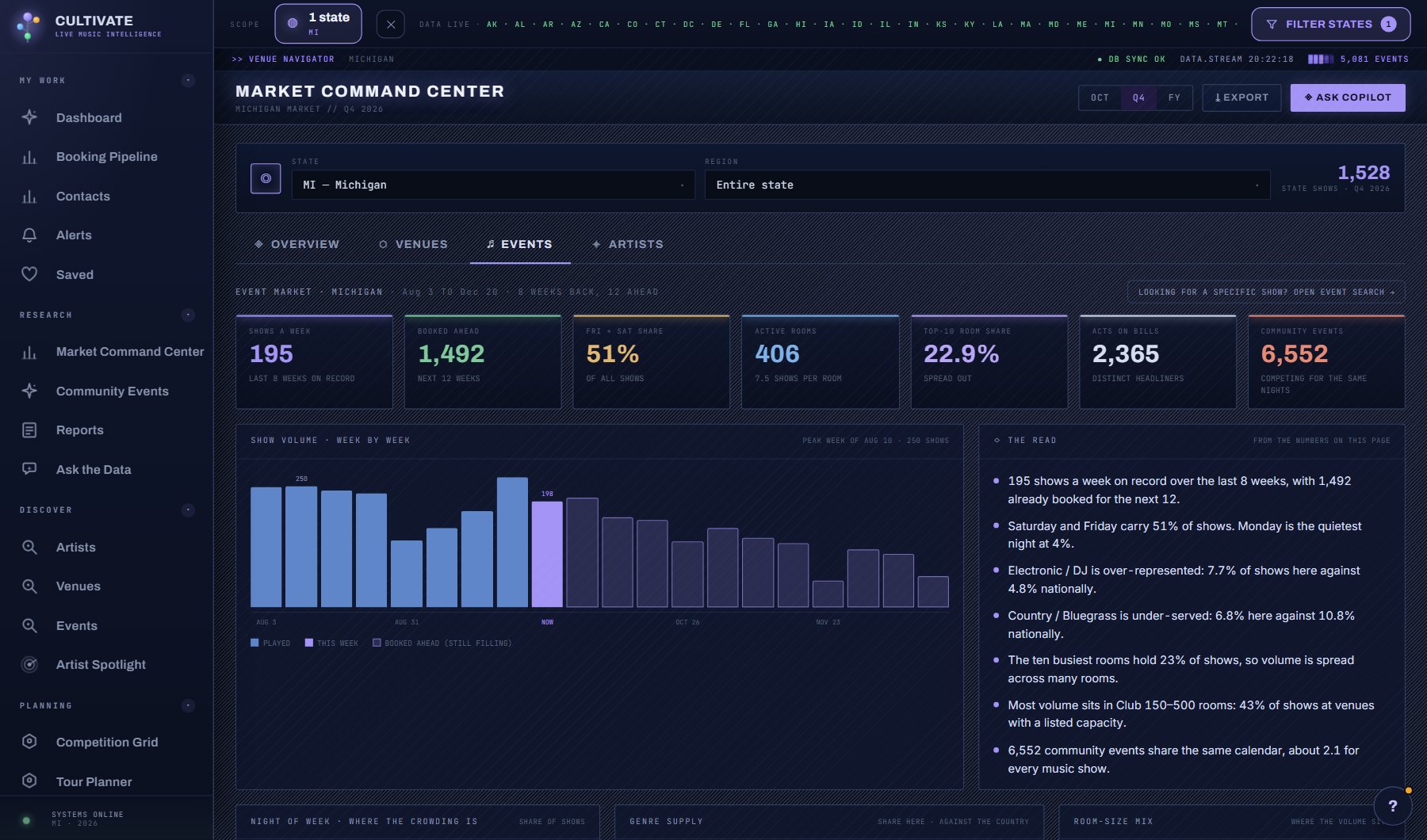
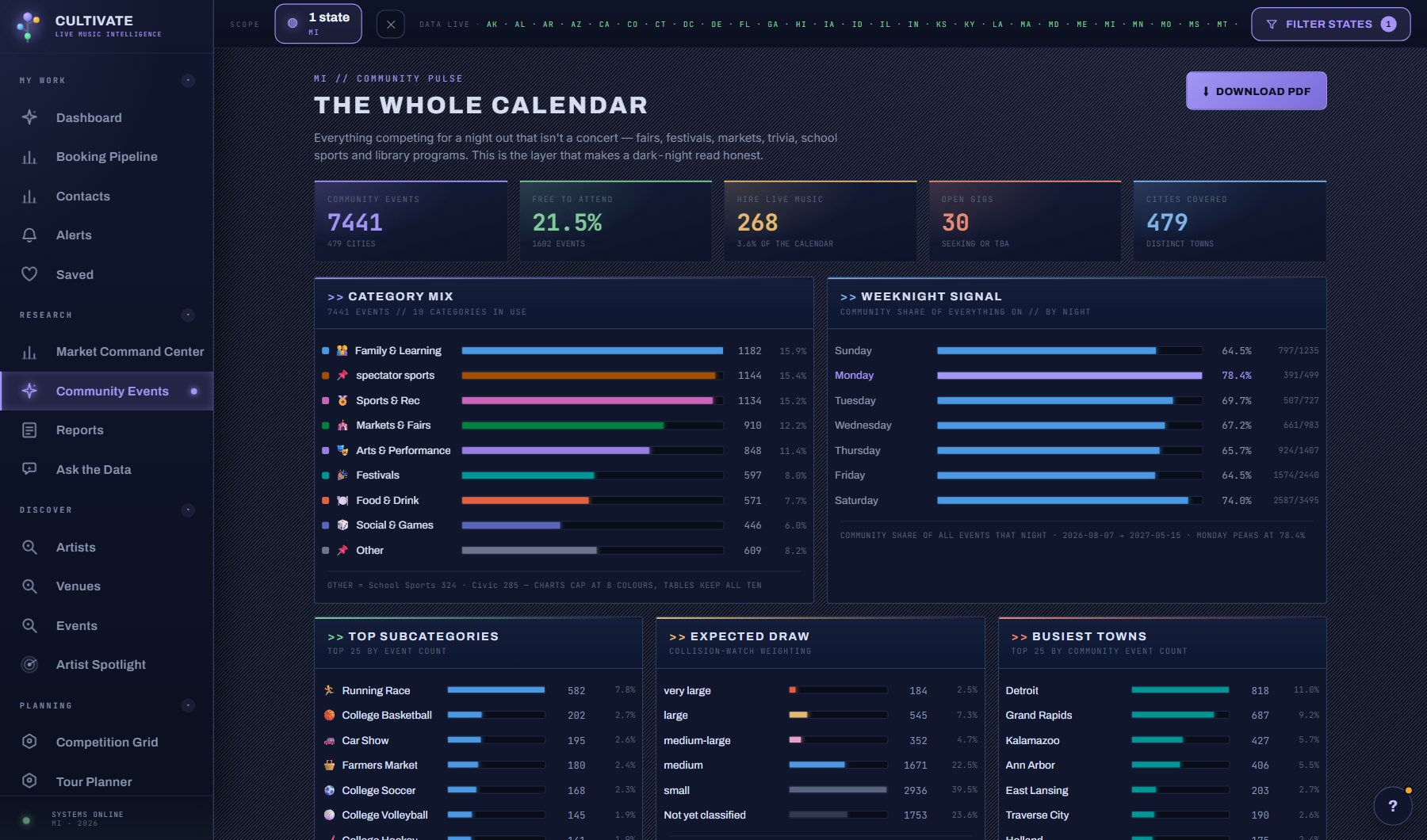
Where to find it
In the console: Planning > Competition Grid. Press ? on any screen for this guide inside the console, or open the screen if you are signed in.