Guide / Discover
Artist Spotlight
Acts grouped by what they are doing: touring widely, rising, festival regulars, local to a scene. A browse, not a search.
WhereDiscover > Artist Spotlight
PlanEvery plan
AI on this screen2 metered actions
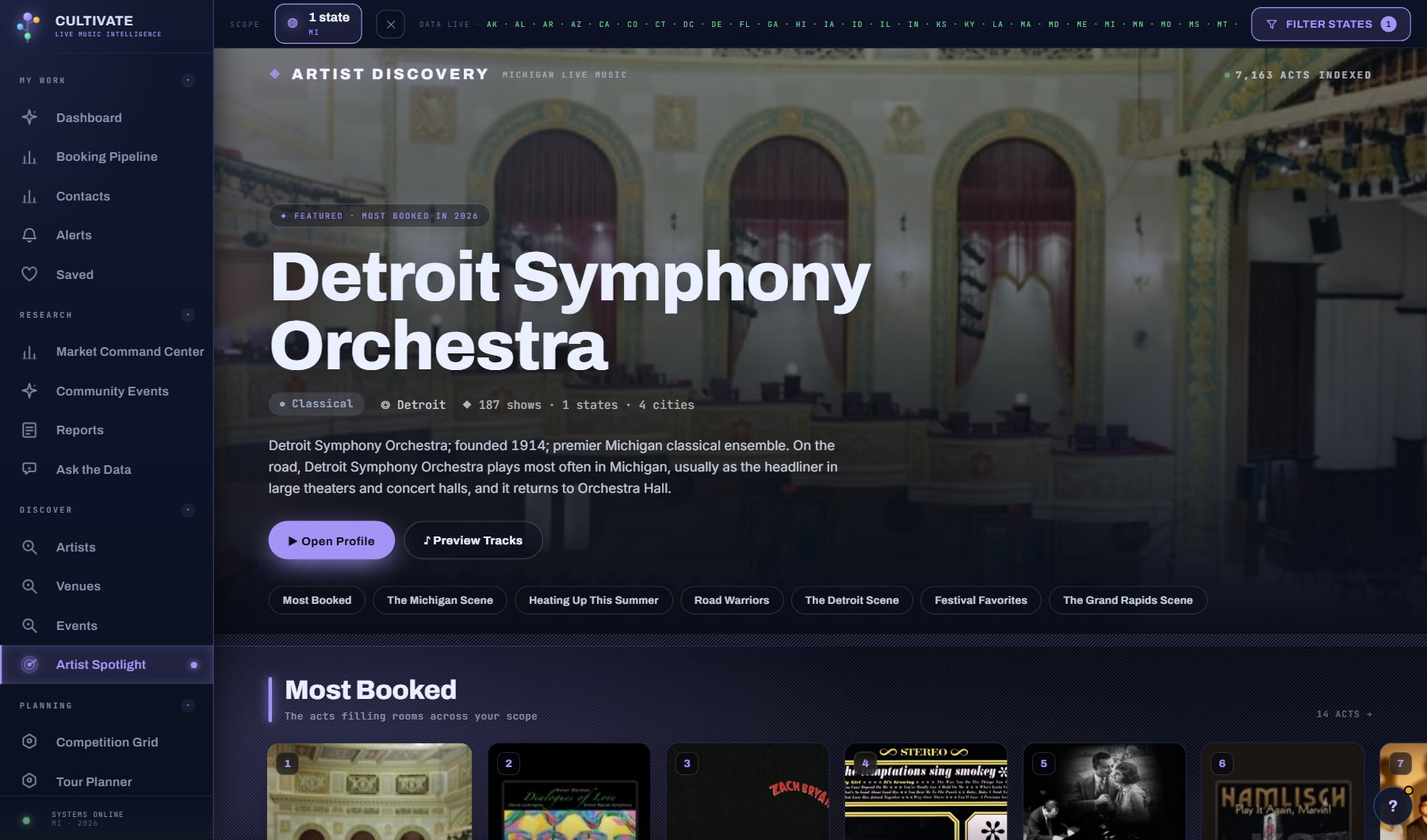
What is on the screen
- Acts in groups: touring widely, rising, festival regulars, local to a scene, each a row of cards with artwork.
- An act's window: the header band with its artwork, genre, type and home; the strip of counts; Overview, Shows, Listen, Contact & Booking and AI tabs.
- Listen plays the act's music without leaving the page.
Try this
- Open an act for its show history, next up and last played, socials and representation contacts (Contact & Booking).
- Press Listen to hear the act's music without leaving the page.
- Draft the one-sheet pitch from the card at the top of the act's Overview when you need to make the case for an act. Its AI tab holds the full pitch, Plan a new market and the act's saved reports.
AI on this screen
Artist one-sheets2 CREDITS
Market entry reports10 CREDITS
The cost is on the button before you press it. Reopening a saved report is free, and nothing is charged for an error or an empty answer. See AI credits.
Plan
Every plan. See plans and seats.
Related screens
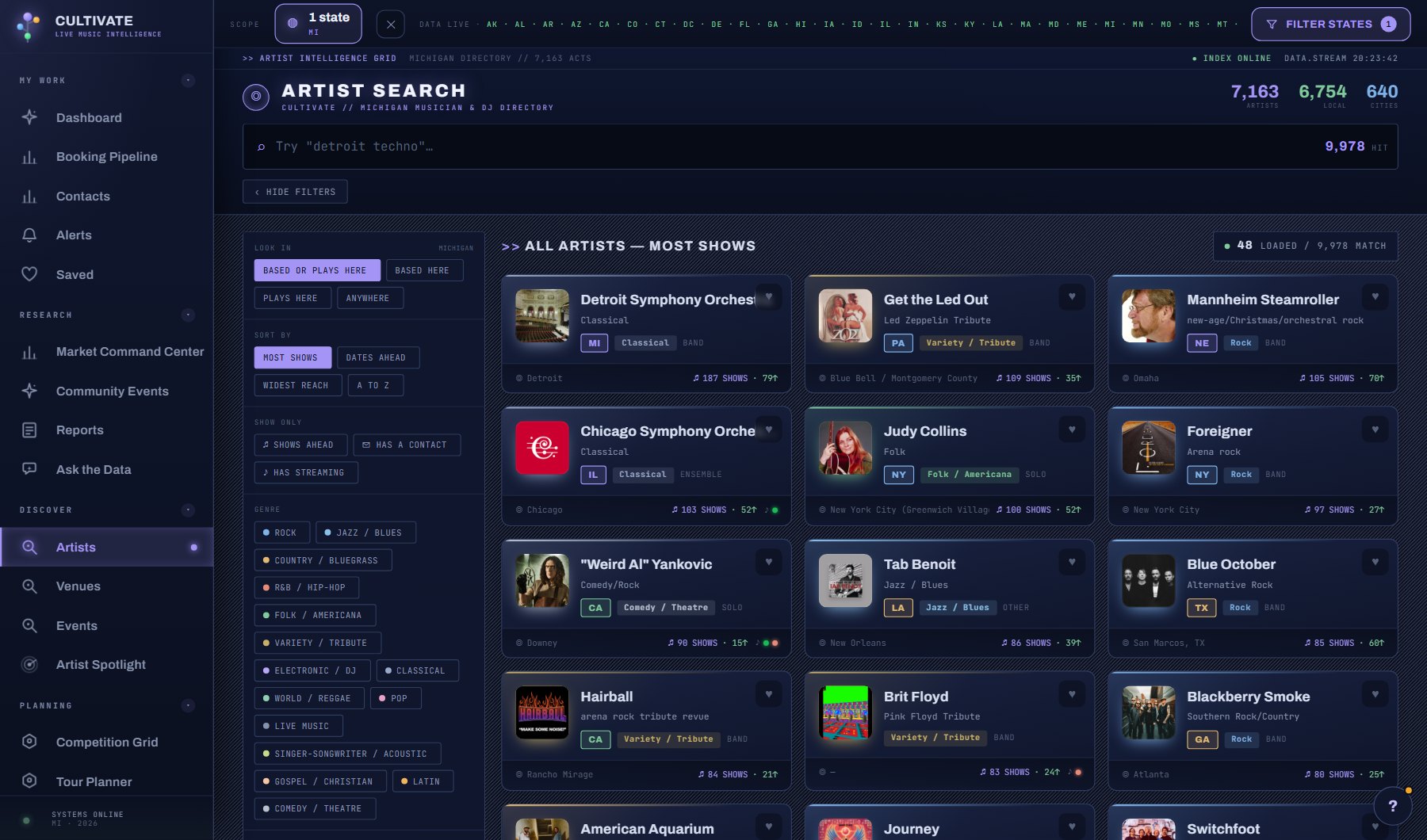
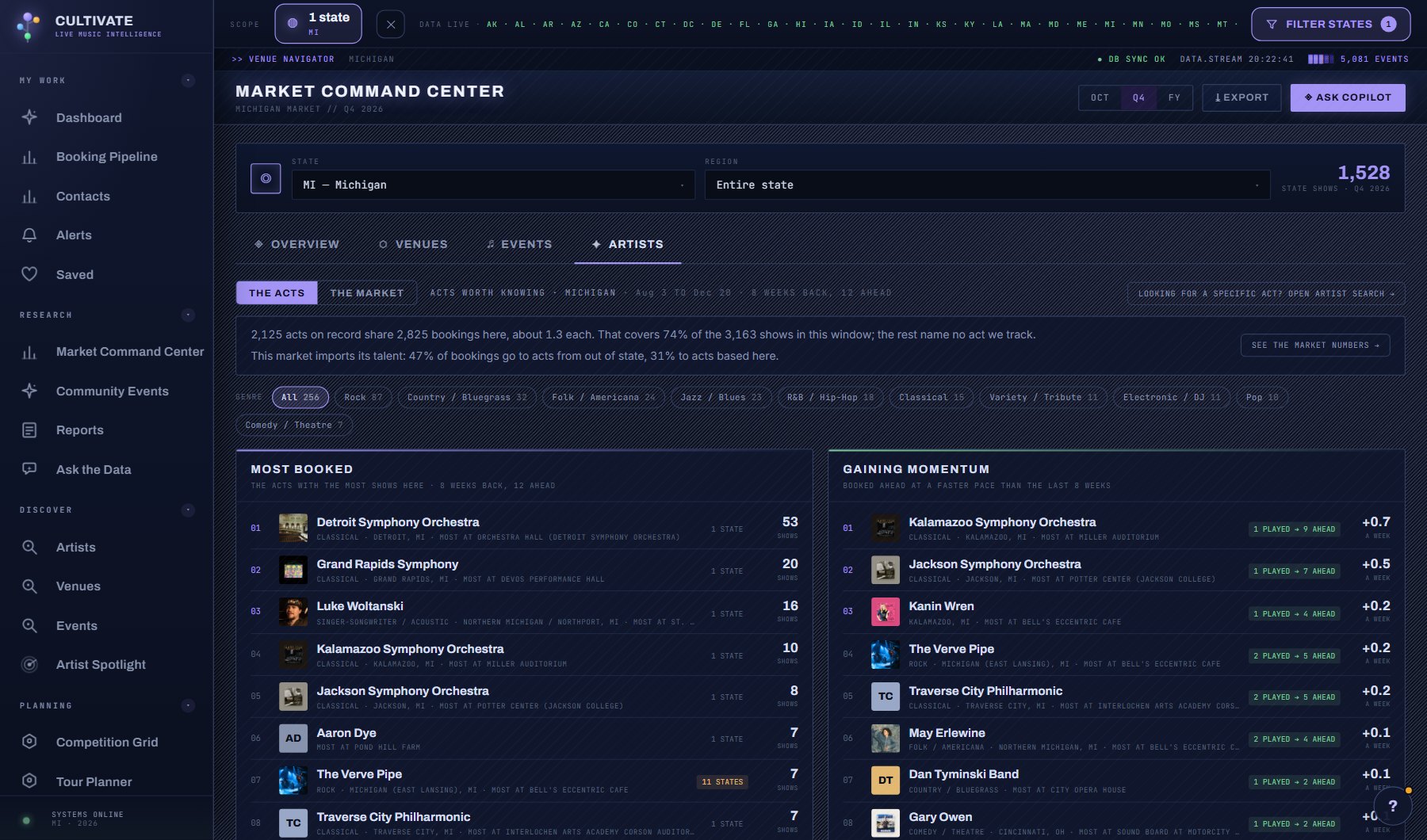
Where to find it
In the console: Discover > Artist Spotlight. Press ? on any screen for this guide inside the console, or open the screen if you are signed in.