Artist Dashboard
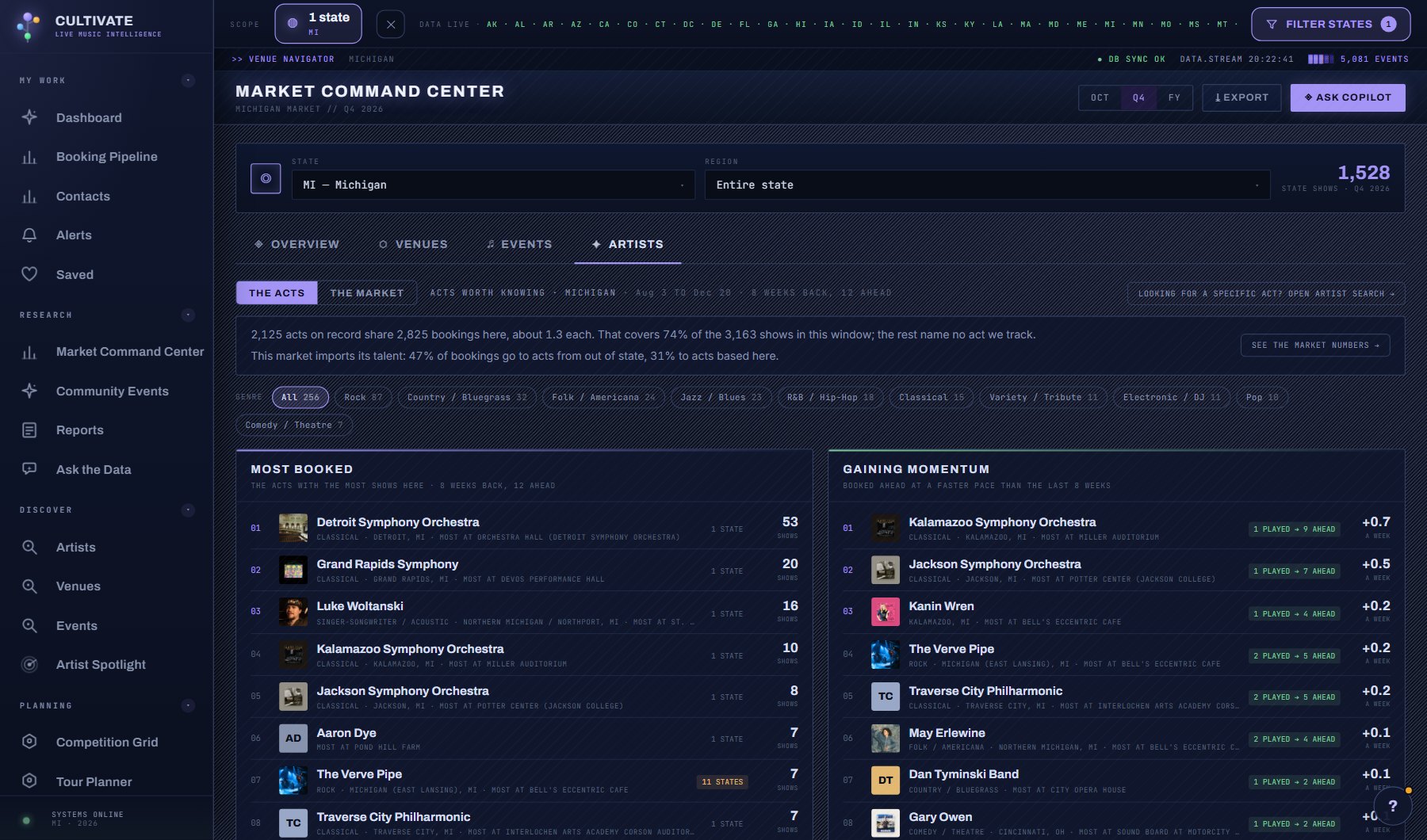
Two views of the acts working a market. The Acts, the default, names them: most booked, gaining momentum, furthest reach, arriving and based here, with genre filters. The Market is the numbers behind the names: how much of the work goes to acts based here against acts from out of state, how far the acts travel, how the bookings are shared out, what kinds and genres of act the market runs on, what size of venue they play, who is arriving, and how many get booked again.
What is on the screen
- Two views, switched at the top: The Acts (names) and The Market (numbers), with genre chips that every list follows.
- The Acts: most booked, gaining momentum, furthest reach, arriving and based here; click an act for its window.
- The Market: based here against from out of state, origin states, reach tiers, workload, kinds of act, genre supply, venue size, who is arriving and who gets booked again.
- The INCLUDE ORCHESTRAS switch beside the view switch; orchestras, symphonies and choirs stay out until you turn it on.
Try this
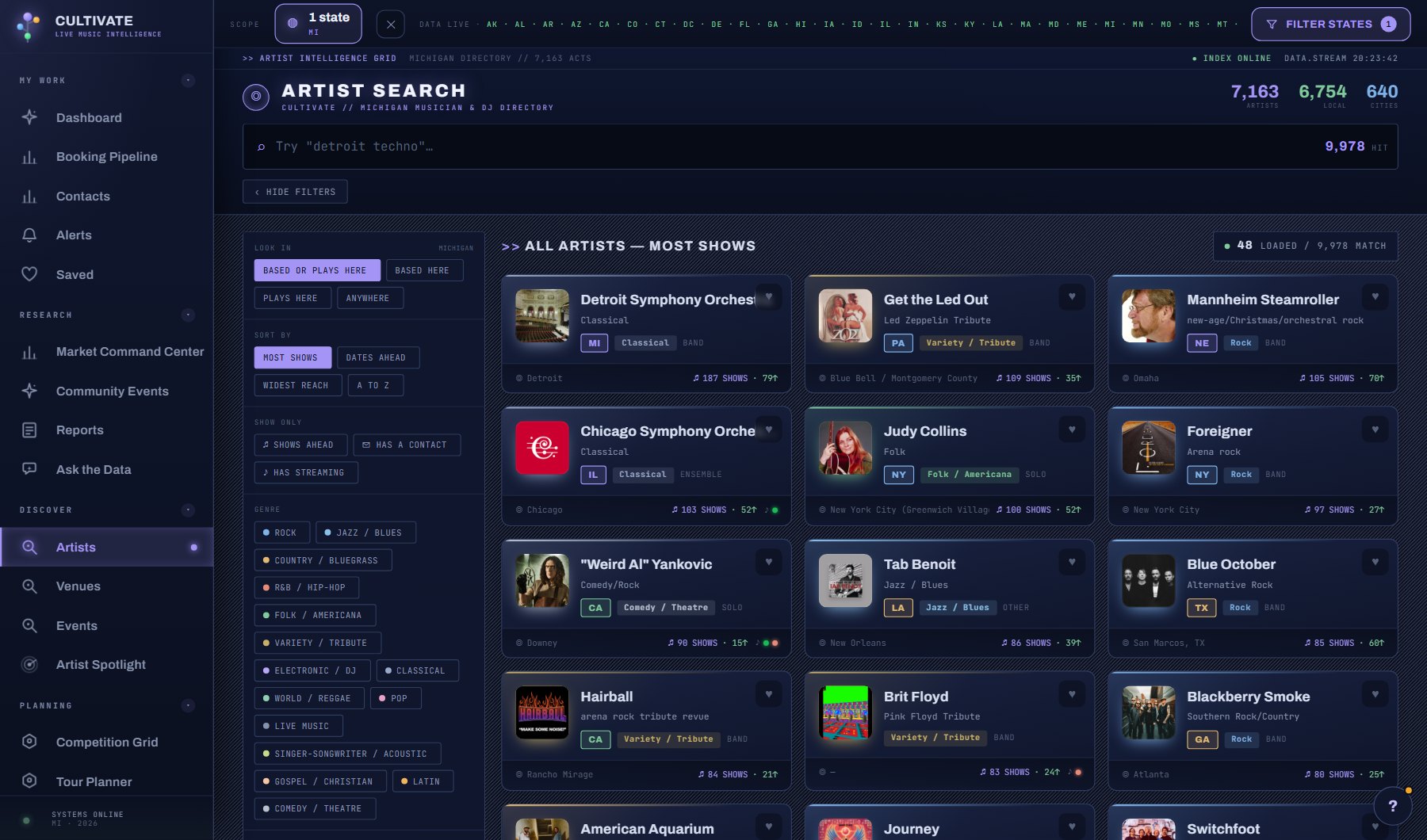
- Start on The Acts. Pick a genre chip to cut every list to that genre, then click an act for its full profile.
- Check Gaining momentum for acts booked ahead at a faster pace than their last eight weeks. It compares dates per week, and is not a year-over-year trend.
- Switch to The Market and read the sentences under The Read. They are computed from the numbers on the page and cost nothing.
- Compare Based here with National acts: a market that imports most of its talent books differently from one that runs on its own acts.
- Look at Genre supply for a genre marked below 1.0x the national share. Acts of that kind are scarce here.
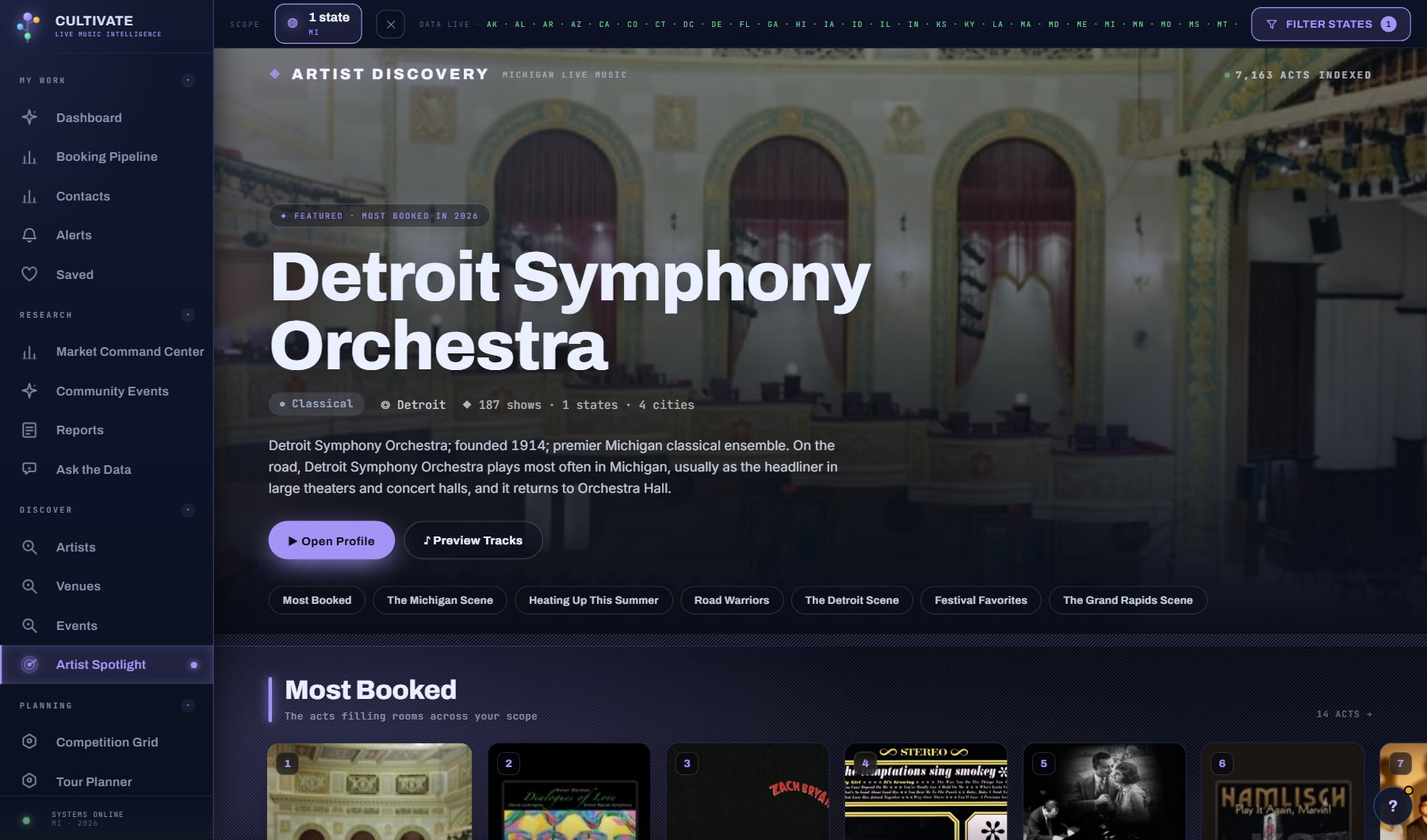
- Open an act from Busiest ahead or Arriving and draft its one-sheet pitch from the card at the top of its Overview; the full pitch, Plan a new market and the act's saved reports are on its AI tab.
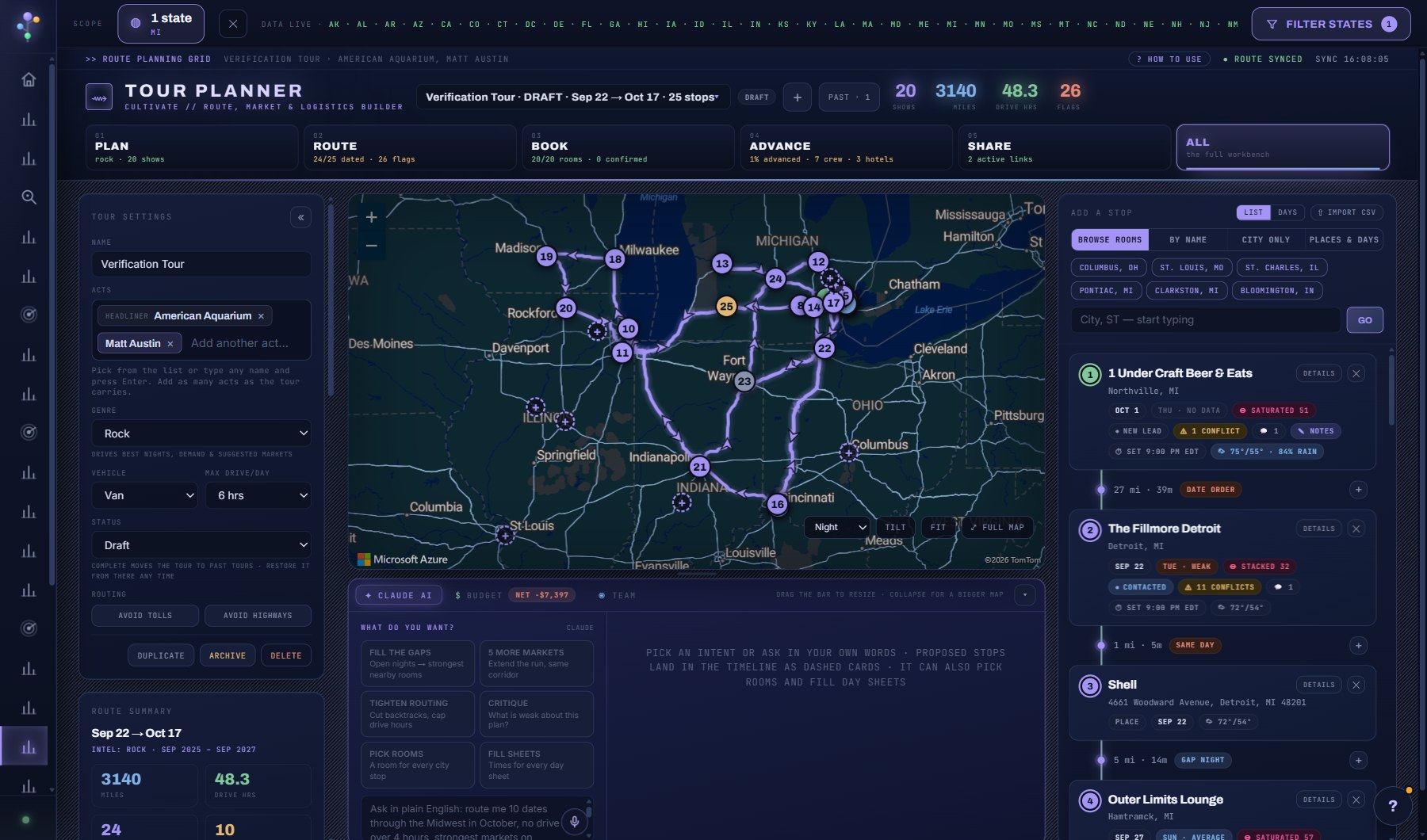
- Use Plan a new market on an act's AI tab to get a full market entry report for a city it has not played. ADD ALL N VENUES TO A PROJECT at the top of the report puts the report and every venue it names into a project in one go.
- In THE MARKET view, click Based here or From out of state, an origin state, a reach tier, a workload band, a kind of act or a genre to drill into those acts.
- Orchestras, symphonies and choirs are left out of this tab by default; the INCLUDE ORCHESTRAS button beside the view switch puts them back and is remembered.
AI on this screen
The cost is on the button before you press it. Reopening a saved report is free, and nothing is charged for an error or an empty answer. See AI credits.
Plan
Every plan. See plans and seats.
Related screens
Where to find it
In the console: Research > Music Market > Artists tab. Press ? on any screen for this guide inside the console, or open the screen if you are signed in.