Guide / Discover
Agencies
Who represents the acts in your market. Each booking or management agency lists its roster on its own public site; we match those names to the acts in our data and show the matches. Open an agency to see its general booking address, a link to its own roster page, and which of its acts have shows in your states and when.
WhereDiscover > Agencies
PlanEvery plan
AI on this screenNone: everything is computed
What is on the screen
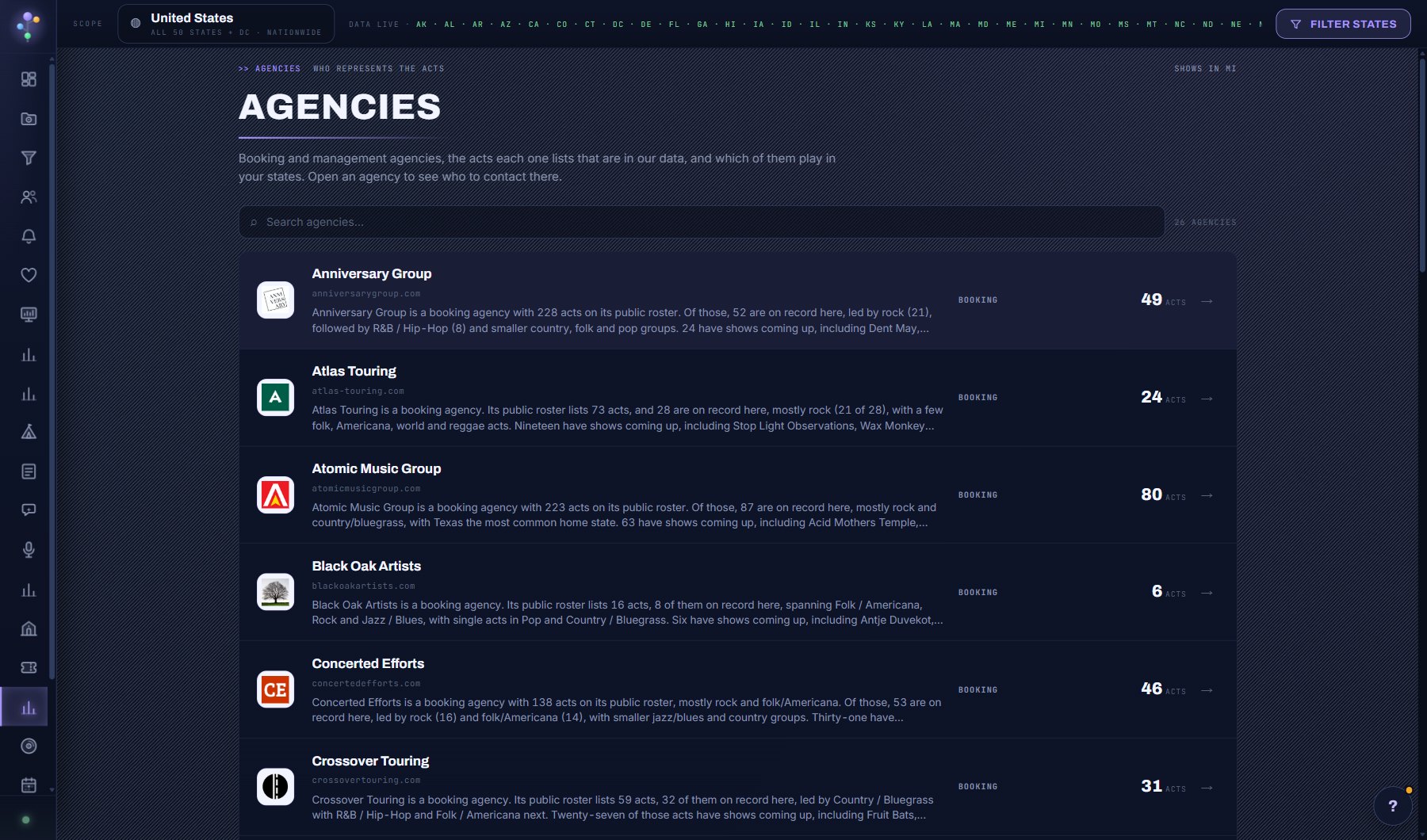
- The agencies, with how many of their acts are on our record and how many have shows in your states.
- An agency's page: the general booking address, the link to its own roster, and its matched acts with their next dates.
- The Playing in your states tick, which keeps only the acts with a date near you, soonest first.
Try this
- Open an act's profile and look for Represented by above its contacts; the agency's name opens that agency here.
- On an agency's page, tick Playing in your states to see only its acts with a date near you, soonest first.
- Use the roster link (View on the agency's site) for the full list: this page lists only the acts we could match with confidence.
- Copy the general booking address when the act itself has no contact yet, and say which act you are asking about.
AI on this screen
No AI on this screen. Everything here is computed from the data and costs nothing.
Plan
Every plan. It is on the desktop only for now: on a phone the menu shows a note that it needs a bigger screen. See plans and seats.
Related screens
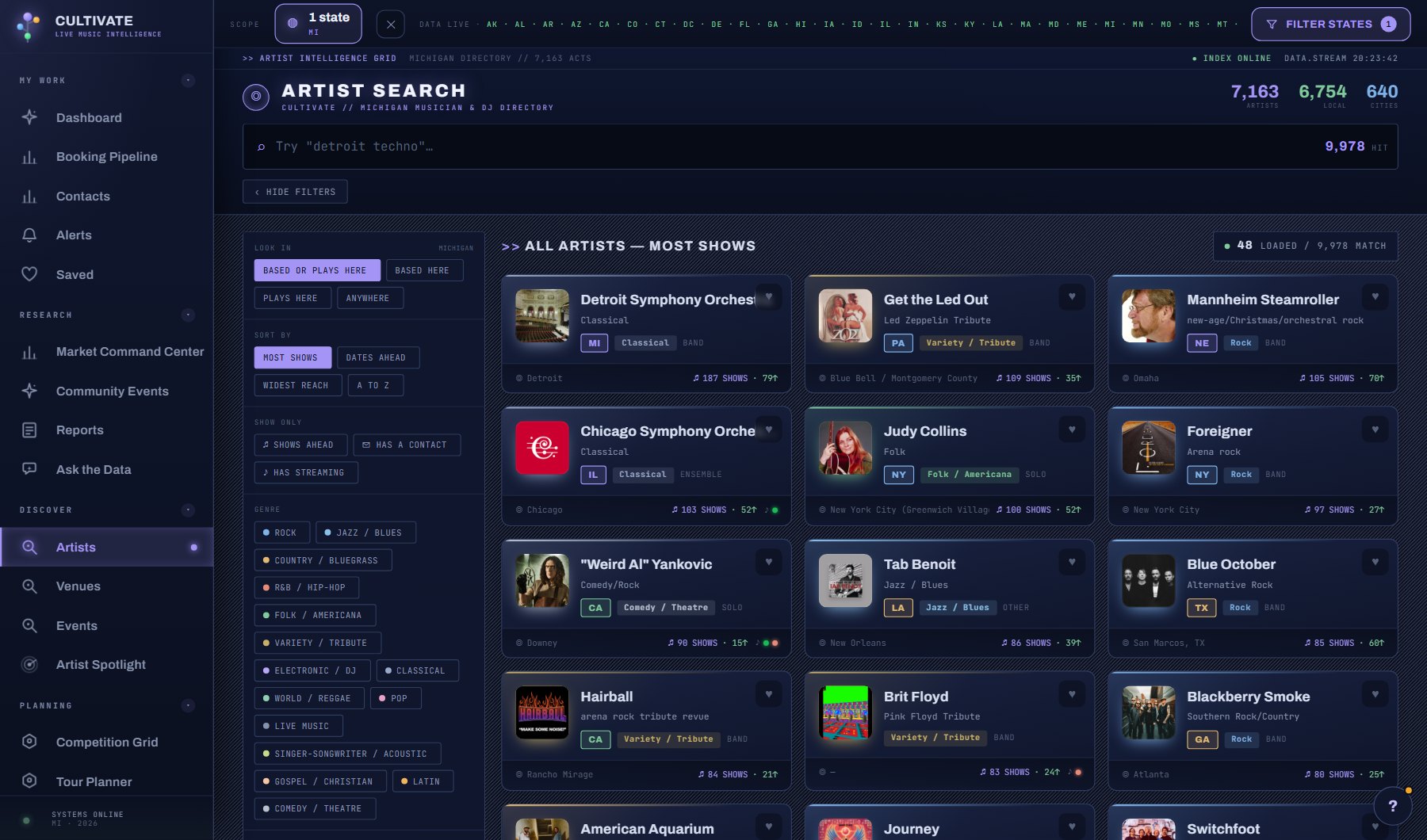
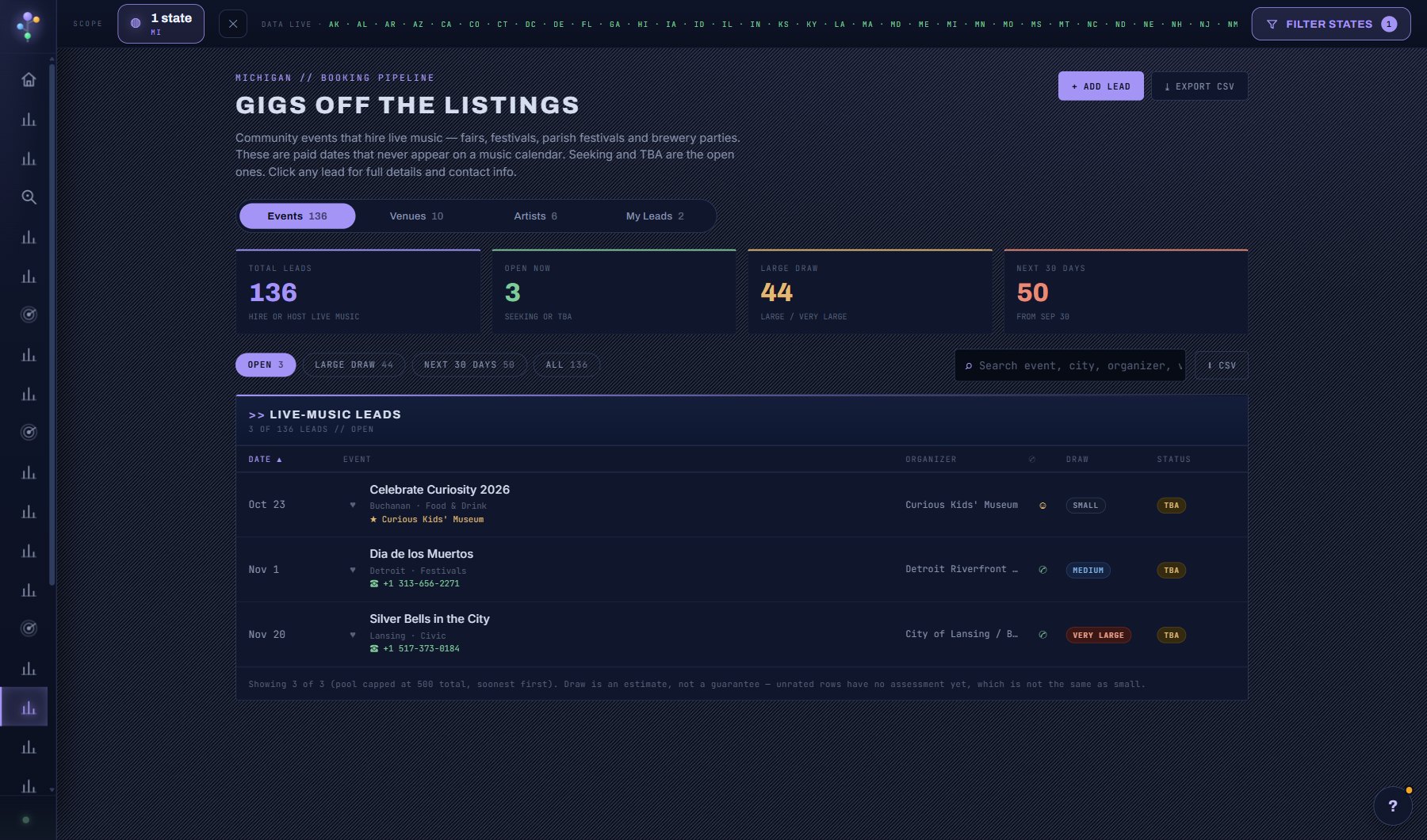
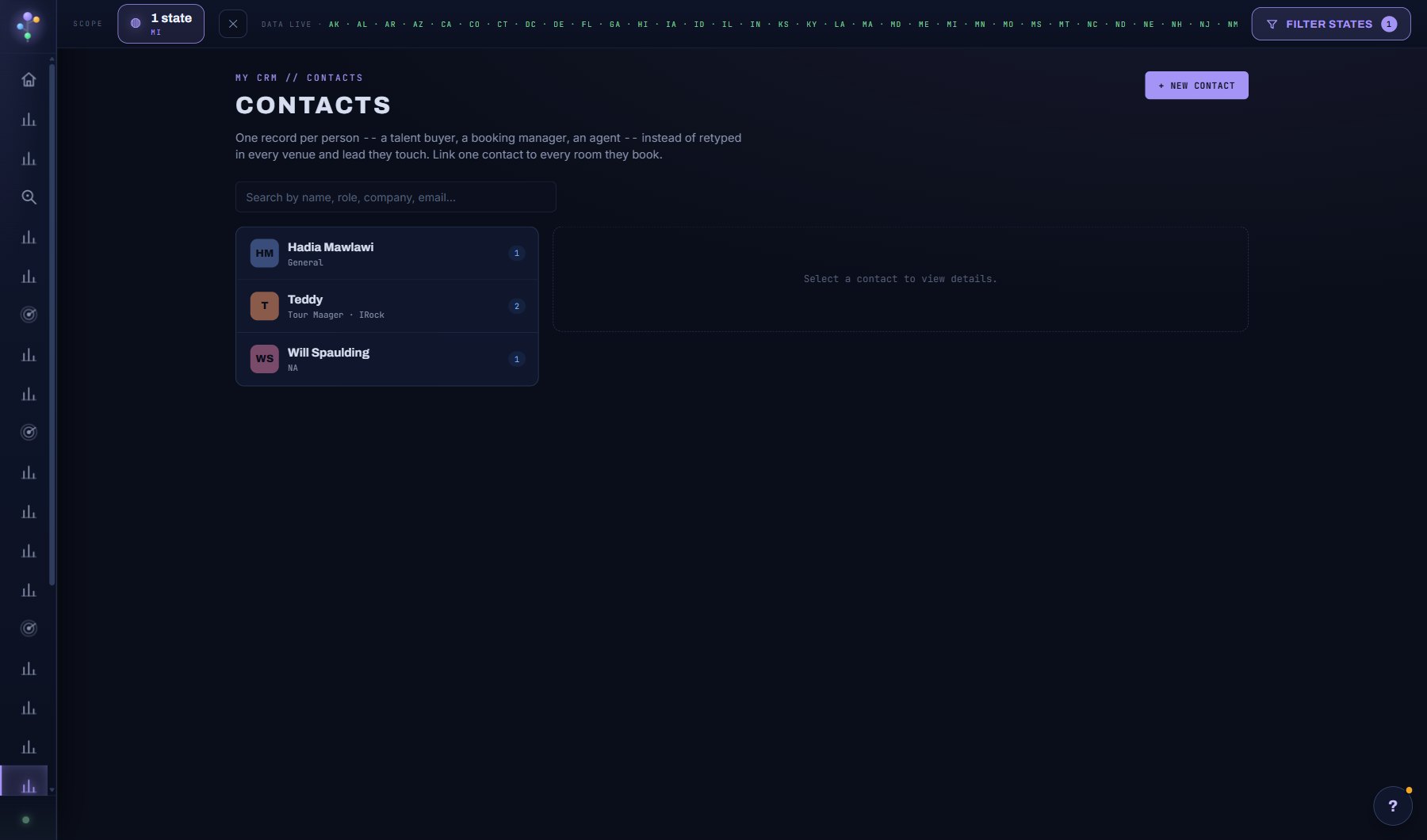
Where to find it
In the console: Discover > Agencies. Press ? on any screen for this guide inside the console, or open the screen if you are signed in.