Guide / Research
Ask the Data
A conversation with the data. Ask a question in plain words and your AI Assistant answers from real rows using tools: search, market queries, venue and artist lookups, and actions on your favorites, leads, notes and tours.
WhereResearch > Ask the Data
PlanEvery plan
AI on this screen1 metered action
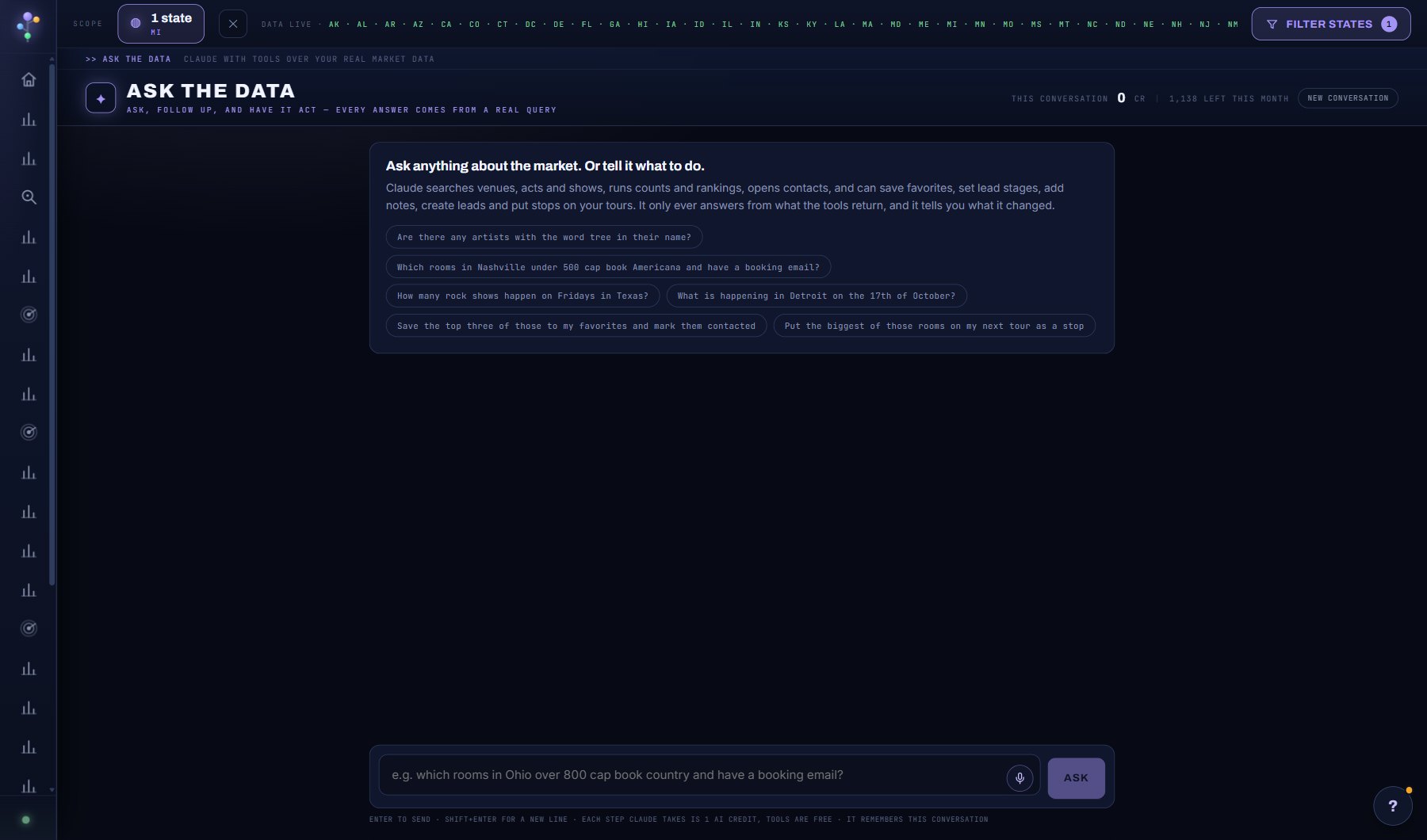
What is on the screen
- The question box, with the microphone, FILE to attach a rider, contract or notes, and the running credit meter.
- Under each answer, the trail of tools it ran and the rows it read.
- Venue and act cards in answers with + Add to project, ADD ALL and DRAFT OUTREACH.
- SAVE, THREADS, the pinned strip with CHANGED marks, SHARE THIS ANSWER, TODAY'S BRIEF; on the phone, READ ALOUD and HANDS-FREE.
Try this
- On any venue or act window, click ASK ABOUT THIS VENUE or ASK ABOUT THIS ACT: the same assistant opens in a drawer already knowing that record. Ctrl+K opens it anywhere.
- Ask 'which venues in Michigan over 900 cap book the most shows?' and watch the tools it runs.
- Ask it to do something: 'save Saint Andrew's Hall to my leads and mark it contacted'.
- Ask how a screen works. It knows this guide.
- SAVE keeps a conversation by name; THREADS brings one back with its transcript and documents, and the assistant can cite it ("last time you said").
- Pin a question with the flag on it; the pinned strip reruns it in one tap and says CHANGED when the answer moved since the last run.
- SHARE THIS ANSWER publishes one answer behind a read-only link (Professional plan); FILE attaches a rider, contract or notes (txt, md, csv, pdf) that the assistant reads alongside the market data.
- Ask it to compare two or three venues or acts and the facts come back side by side; venue and act cards offer + Add to project, ADD ALL and DRAFT OUTREACH.
- TODAY'S BRIEF reads the Dashboard's AI briefing; on the phone, READ ALOUD speaks every answer and HANDS-FREE listens for your follow-up once it has.
AI on this screen
Ask the Data1 CREDIT
The cost is on the button before you press it. Reopening a saved report is free, and nothing is charged for an error or an empty answer. See AI credits.
Plan
Every plan. One credit per step, shown on a running meter. See plans and seats.
Related screens
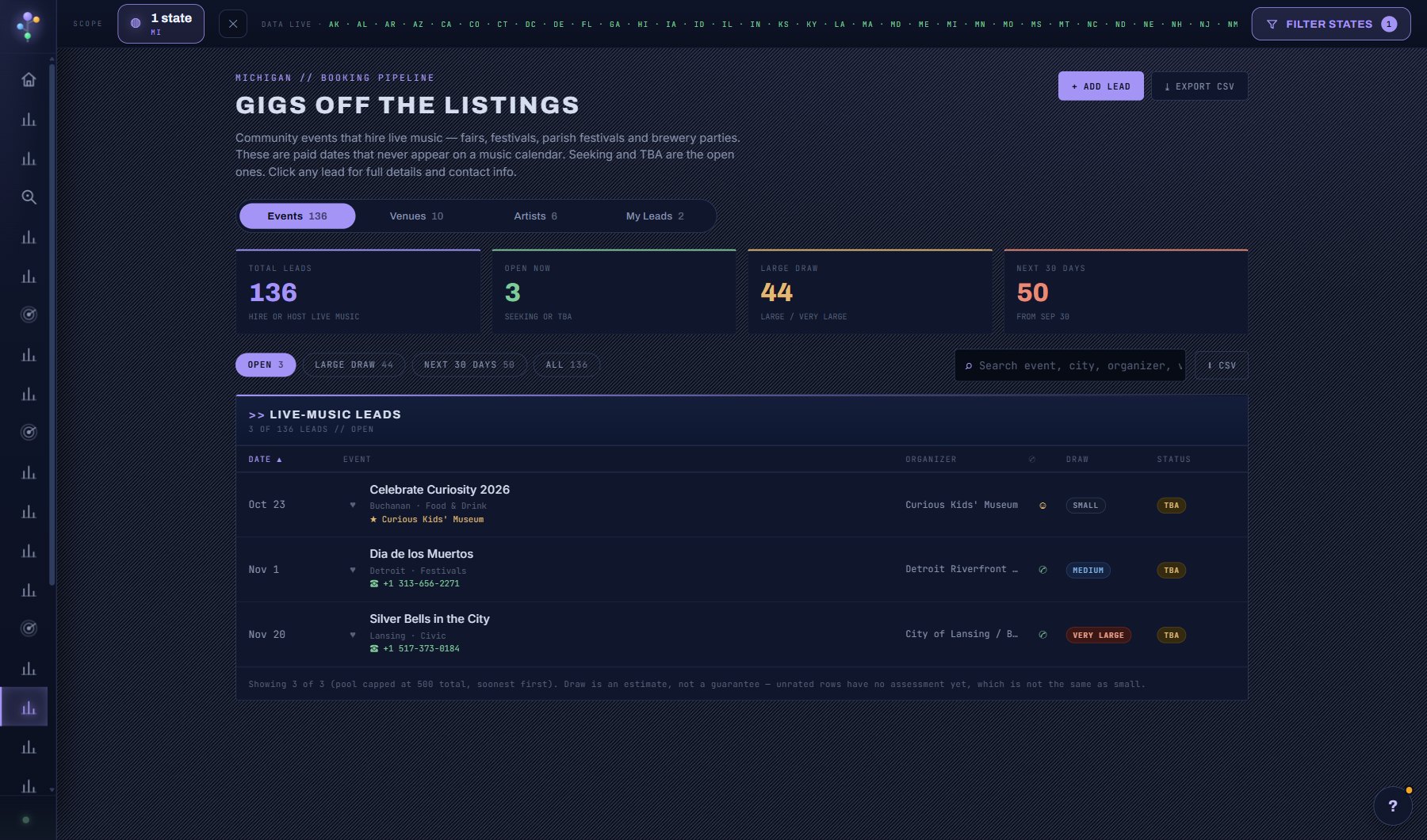
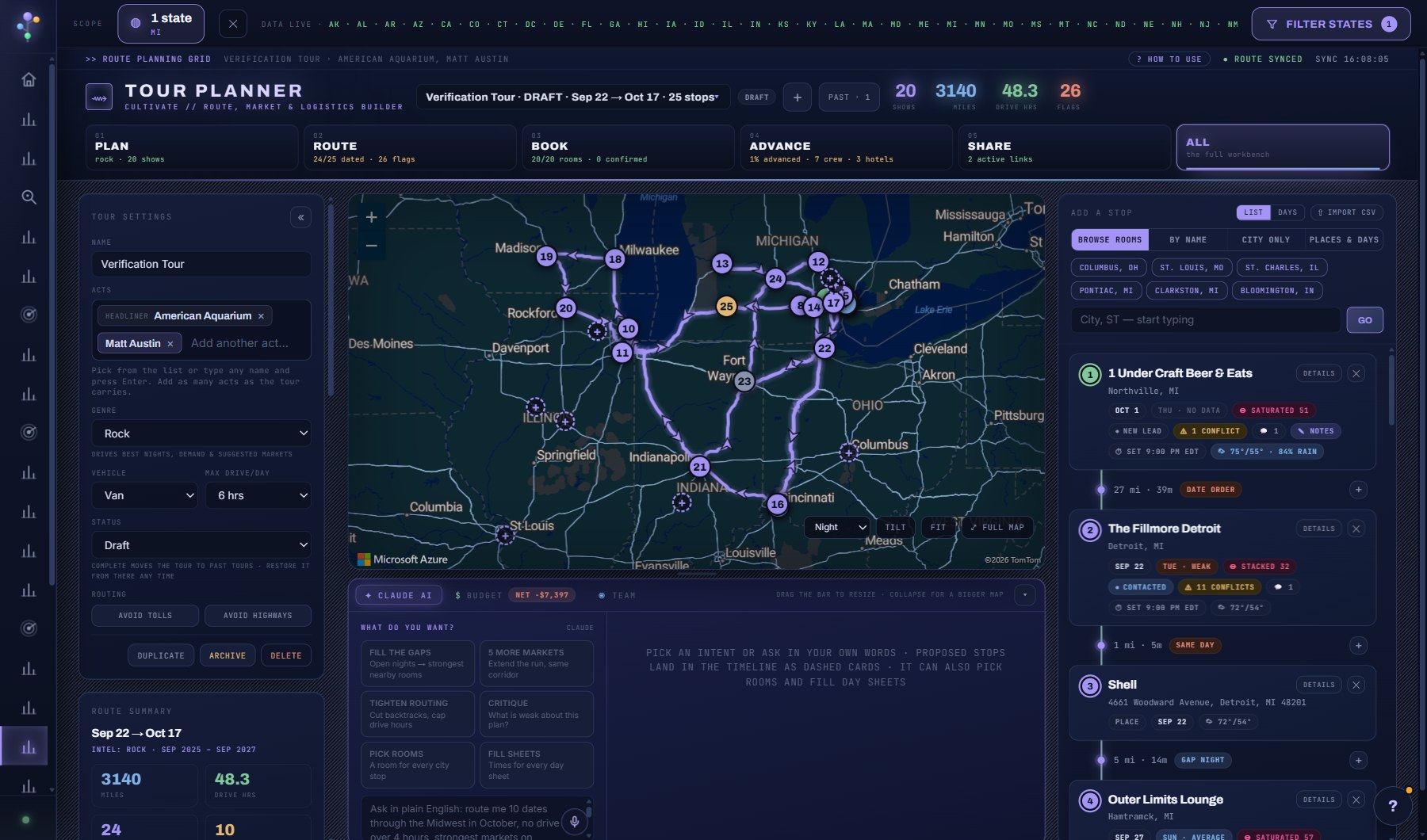
Where to find it
In the console: Research > Ask the Data. Press ? on any screen for this guide inside the console, or open the screen if you are signed in.