Guide / Research
Music Market
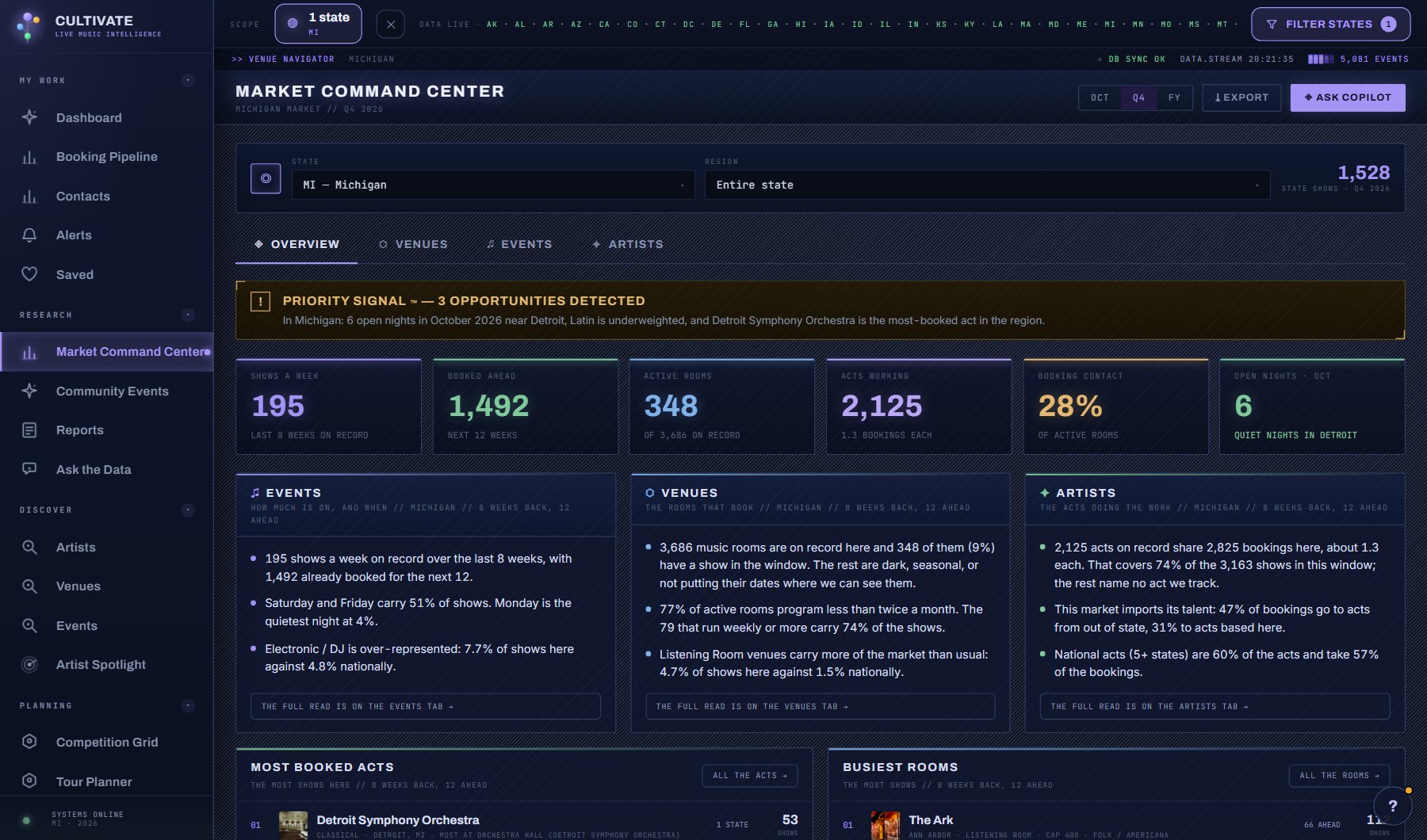
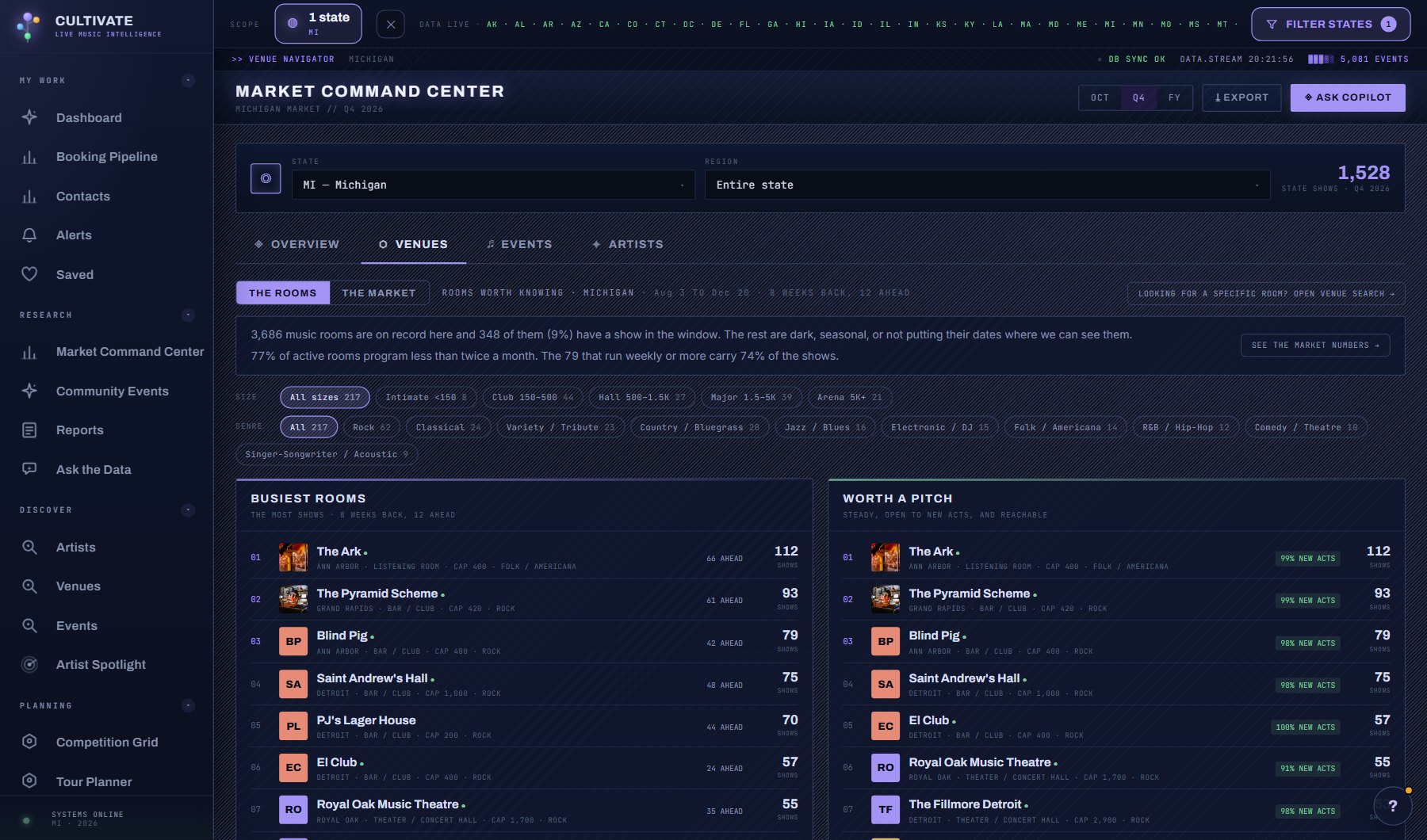
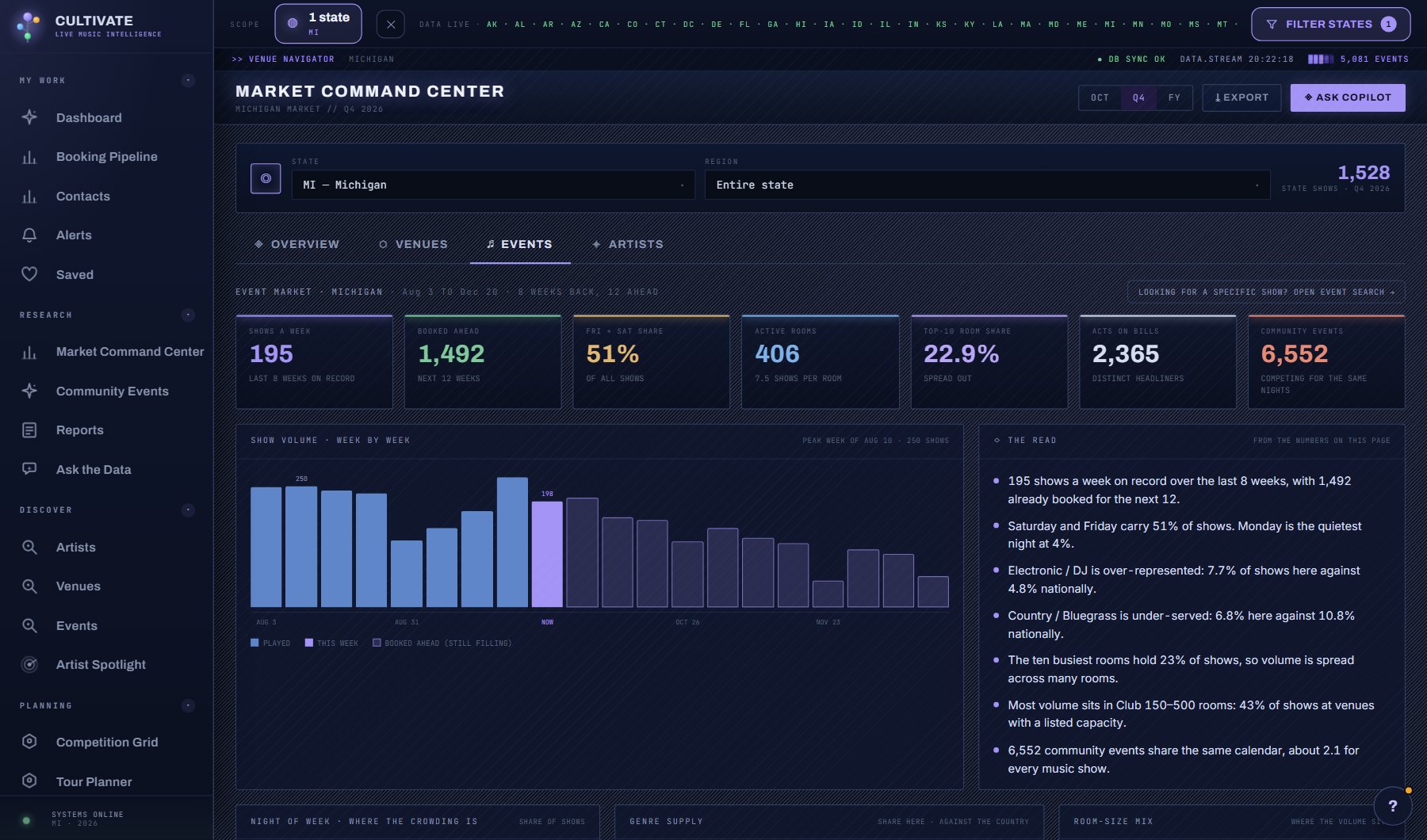
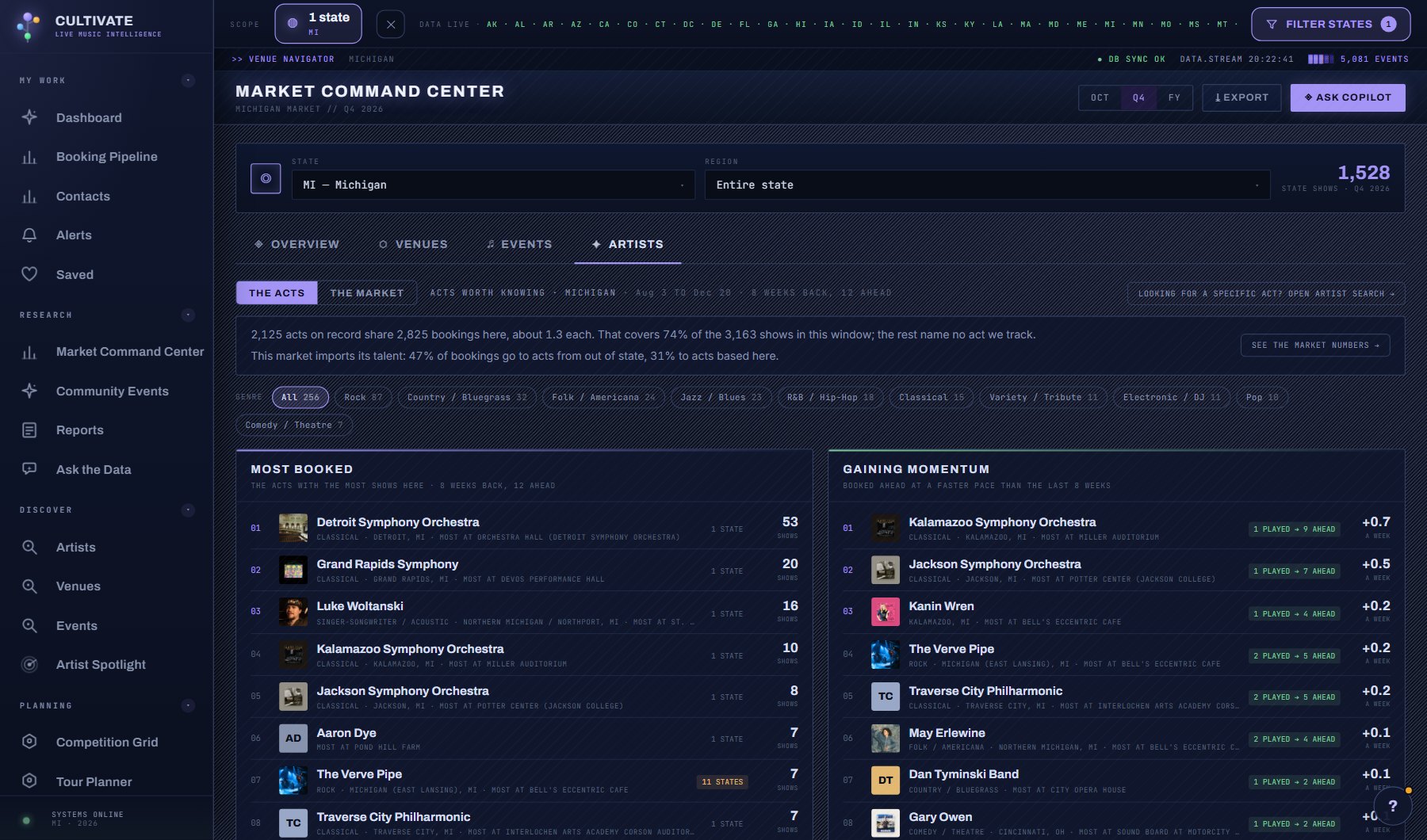
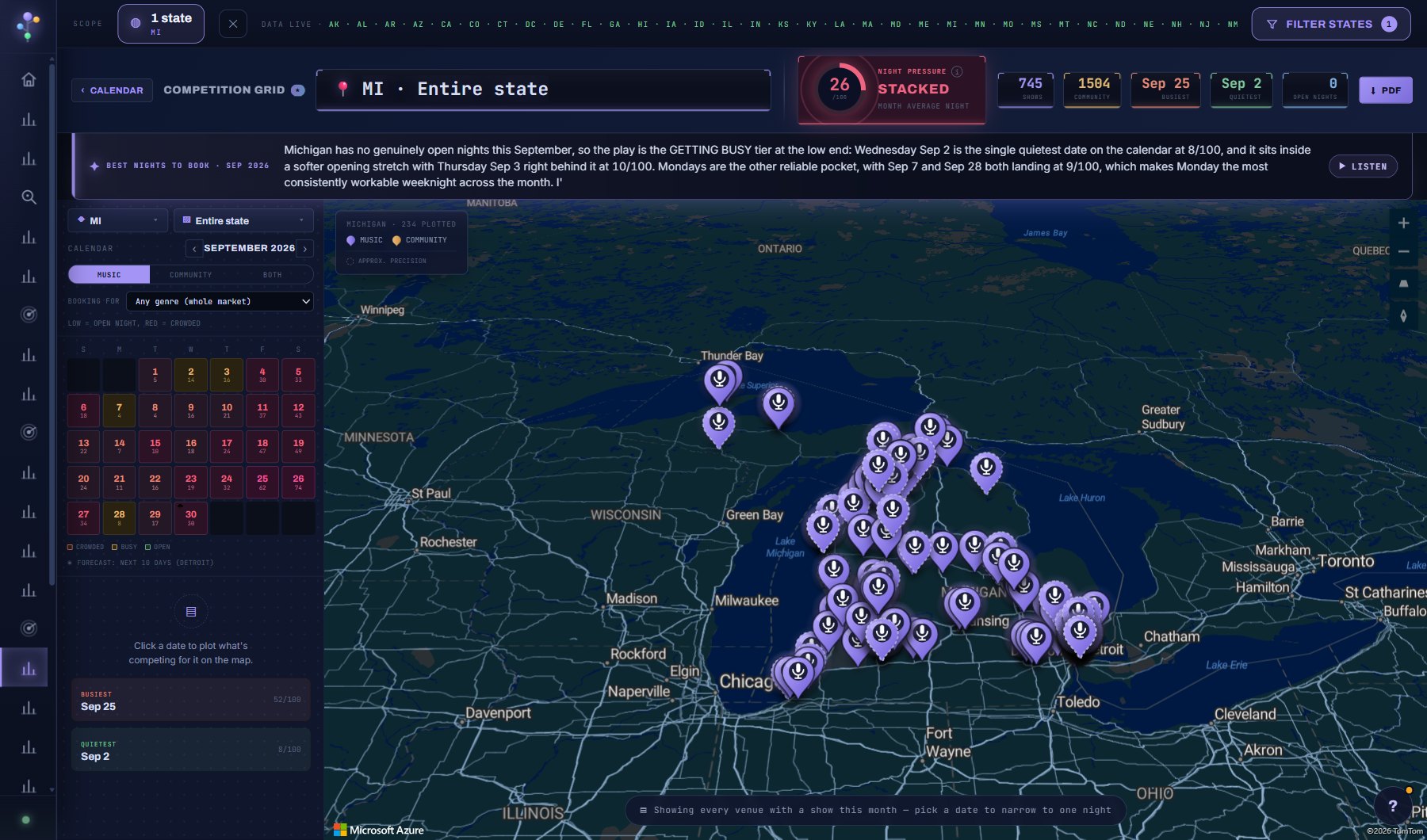
The market command center. Pick a state and a region, or the whole country. The Overview is the summary: a priority signal, six headline numbers, the lead sentences of the event, venue and talent reads, booking opportunities and one city's competition calendar. The Venues, Events and Artists tabs hold the full reads.
WhereResearch > Music Market
PlanEvery plan
AI on this screen1 metered action
What is on the screen
- The scope strip: the state filter from the top bar plus a region picker inside the state, or Entire country.
- The Priority Signal: one sentence your AI Assistant writes from the region's open-night and genre-gap numbers, shared by everyone reading that market that day.
- Six headline numbers for the window, counted from the records: shows, venues booking, acts working, open nights and the rest.
- Three cards, one per tab: the first lines of the Venues, Events and Artists reads over the same weeks, each with a button to its tab.
- Booking opportunities, and one city's competition calendar for the weeks ahead.
- Every chart bar on this tab and the other three drills into its slice.
Try this
- Leave the scope on Entire country first, then narrow to one state and one region to watch the numbers change.
- Read the Priority Signal. It is one sentence your AI Assistant writes from the real open-night and genre-gap numbers for the region.
- Read the three cards under the numbers. Each is the top of one tab's market read, over the same weeks, and its button opens that tab.
- Use the Competition Grid to find a green night in the busiest city, then check Booking Opportunities for the gap worth pitching.
- Click any bar on any chart here or on the other tabs (a kind of venue, a night, a genre, a reach tier, a city) to drill into it: the same market read narrowed to that slice, with its count and share, the names in it and the other breakdowns.
AI on this screen
Priority signal1 CREDIT
The cost is on the button before you press it. Reopening a saved report is free, and nothing is charged for an error or an empty answer. See AI credits.
Plan
Every plan. See plans and seats.
Related screens
Where to find it
In the console: Research > Music Market. Press ? on any screen for this guide inside the console, or open the screen if you are signed in.