Guide / My Work
Saved
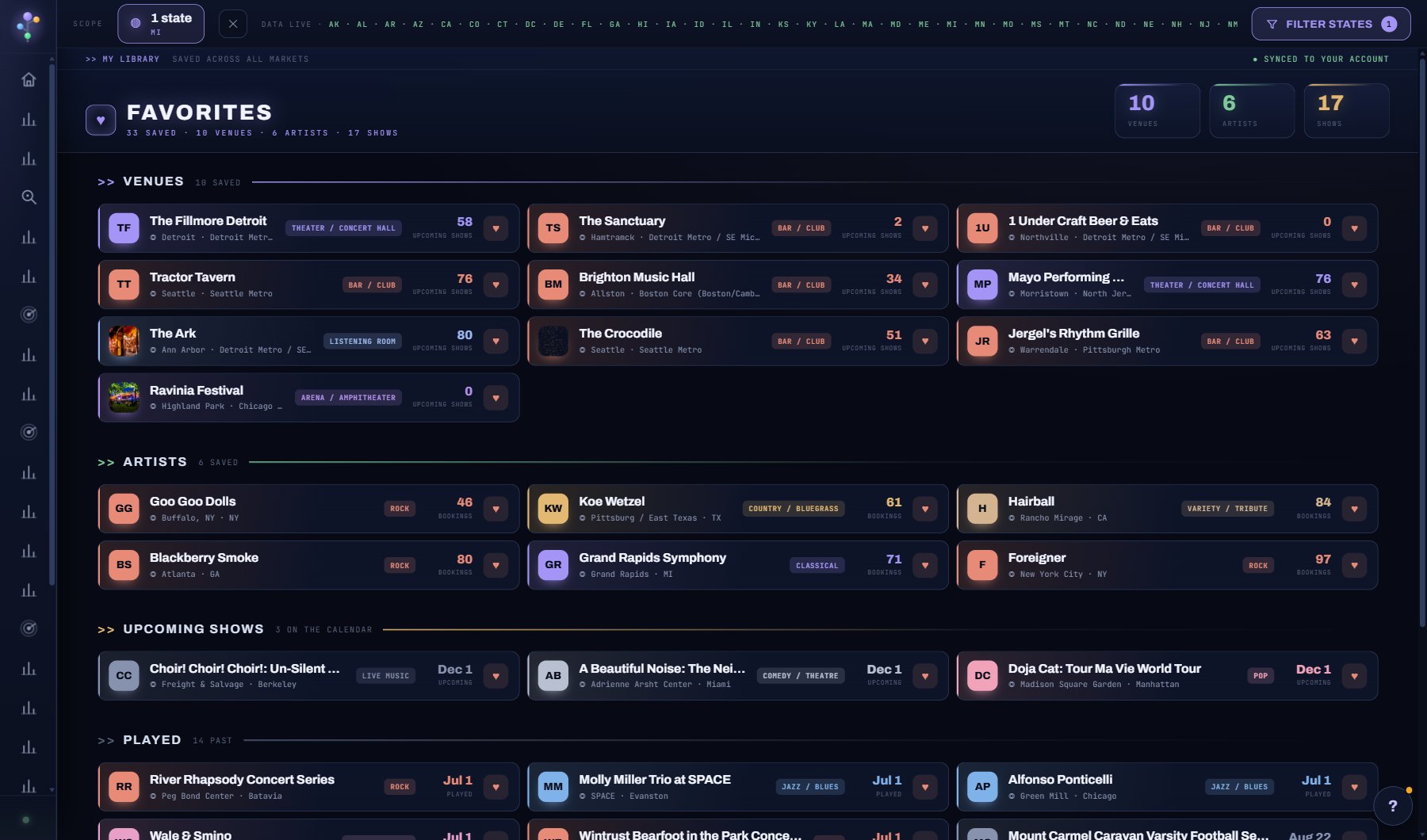
Two tabs. FAVORITES is everything you have hearted: venues, acts and shows, with their detail modals one click away. REPORTS is every AI report your account has run and saved: Act and Venue Fit, Venue Booking Profile, Market Entry and artist one-sheets, newest first, free to reopen.
WhereMy Work > Saved
PlanEvery plan
AI on this screenNone: everything is computed
What is on the screen
- The FAVORITES tab: your venues, acts and shows, each opening its window, with the heart to unsave.
- The REPORTS tab: every saved AI report and one-sheet with when it ran and what it cost, the FIT, BOOKING PROFILE, MARKET ENTRY and ONE-SHEET chips, search, OPEN, + to file it in a project, DELETE.
Try this
- Heart anything on any screen and it lands here.
- Open a favorite to see its full profile; venues carry the same tabs as in Venue Search.
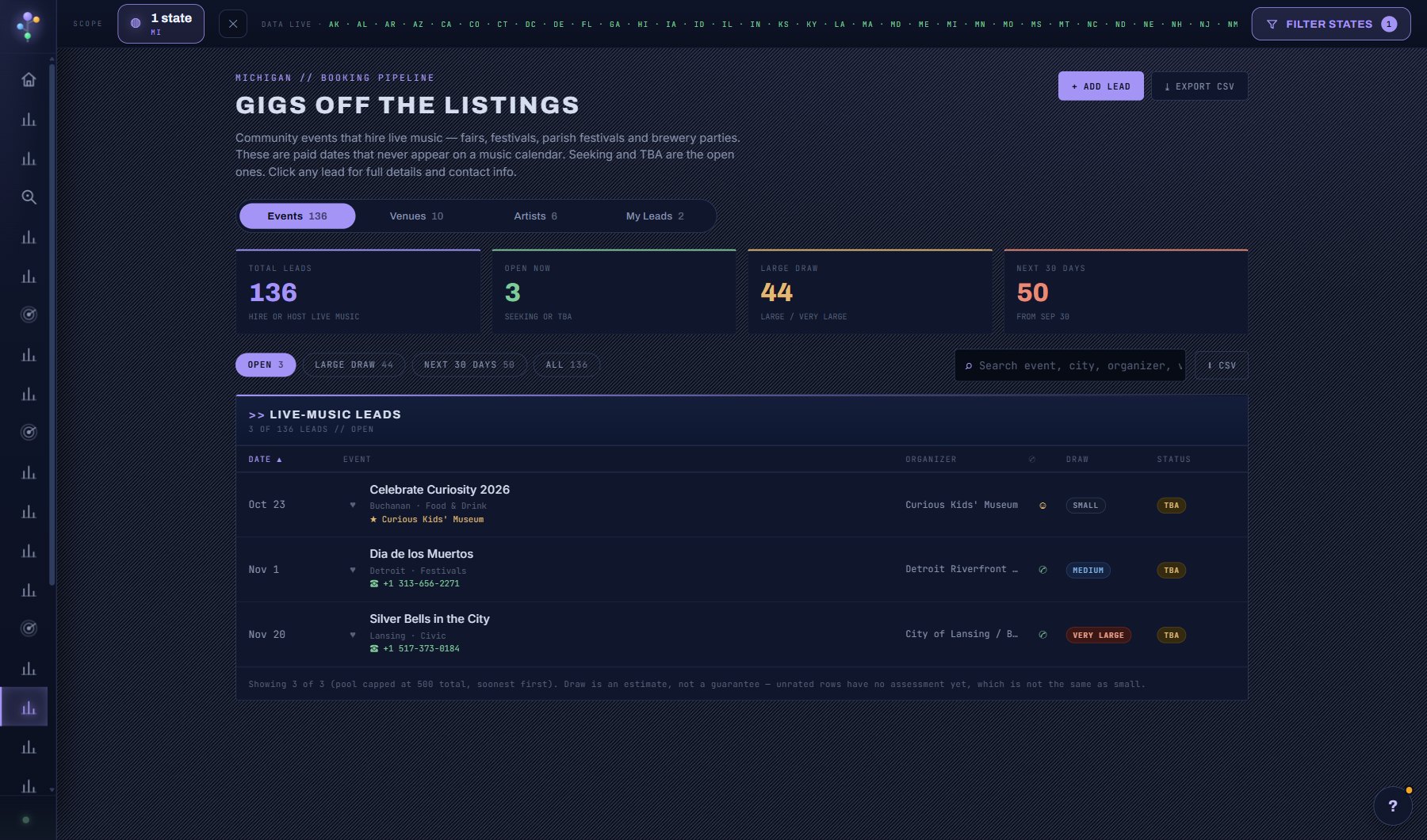
- Favorites feed the Booking Pipeline and the weekly digest, so this list drives what you hear about.
- On REPORTS, narrow the list with the FIT, BOOKING PROFILE, MARKET ENTRY and ONE-SHEET chips, or search by act, venue or market. Each row shows when it was run and the credits it cost.
- OPEN shows a saved report full-page, ready to print or keep as a PDF, at no charge (only REFRESH, RE-RUN or REDRAFT in the window that made it spends credits again). The + files it in a project. DELETE asks first; a project that held it then shows it as no longer available, and running it again costs credits.
AI on this screen
No AI on this screen. Everything here is computed from the data and costs nothing.
Plan
Every plan. The REPORTS tab shows for roles that can use AI features. See plans and seats.
Related screens
Where to find it
In the console: My Work > Saved. Press ? on any screen for this guide inside the console, or open the screen if you are signed in.