Guide / Discover
Artist Search
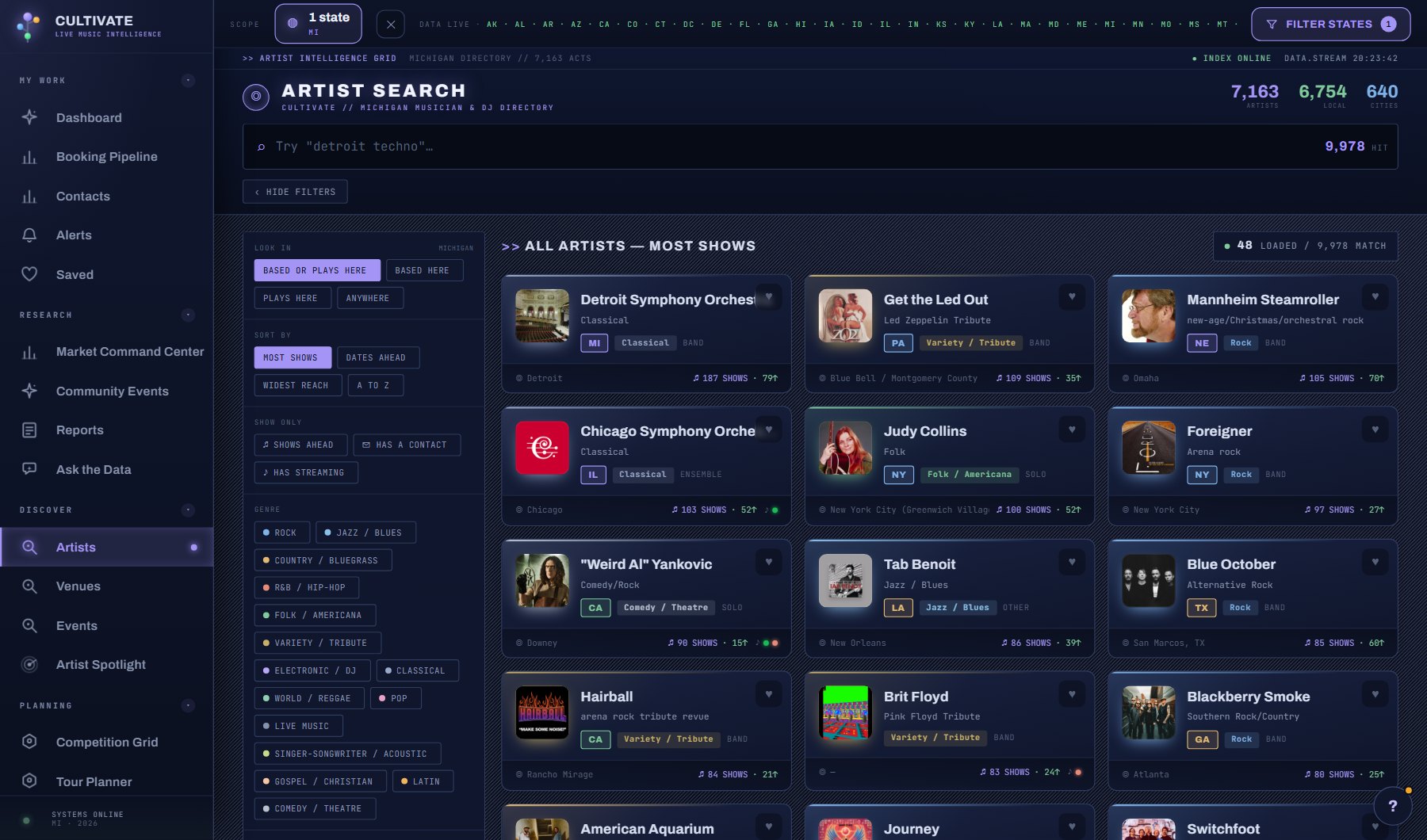
Find a specific act by name, genre, kind of act, home city, how far it travels or whether it has dates ahead, then open its profile with contacts and show history. Look in decides how your state filter is read: acts based there, acts that play there, either, or anywhere.
WhereDiscover > Artists
PlanEvery plan
AI on this screen2 metered actions
Learn it1 tutorial and a complete guide
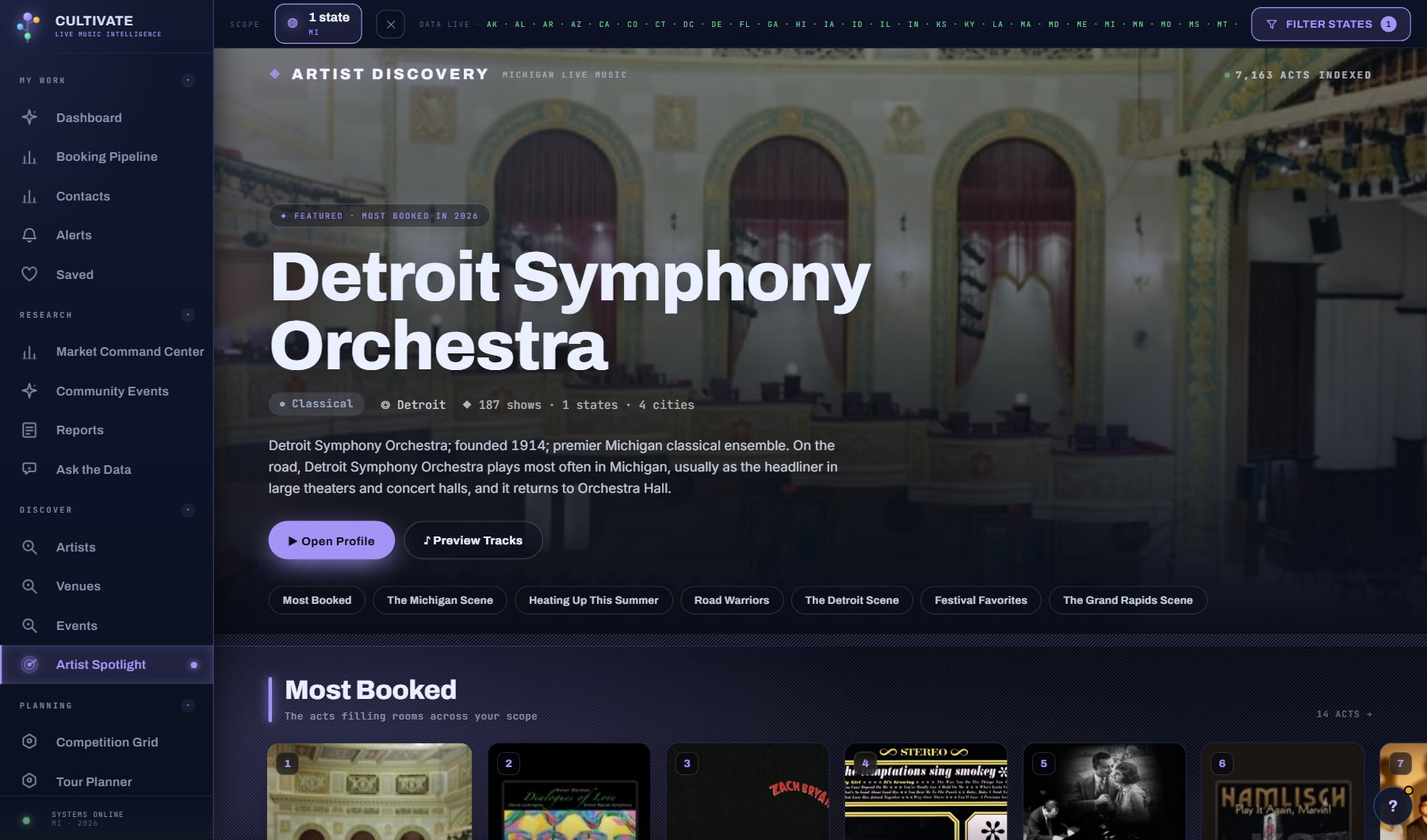
The act windowWhat opens when you click an act anywhere in the console: the header band, the stat strip and the six tabs (Overview, Reach, Shows, Listen, Contact & Booking, AI), with a picture of each.
7 sections →
What is on the screen
- The search box and the filter panel: genre, kind of act, home city, how far it travels, shows ahead, has a contact, and Look in (based here, plays here, either, anywhere).
- The sort: dates ahead, widest reach, name.
- The results with the heart to save an act as a lead.
- An act's window with its shows, contacts, Represented by, the one-sheet card and the AI tab.
Try this
- Looking for a touring act that plays your state but is not from it? Leave Look in on Based or plays here, or pick Plays here.
- Tick Has a contact when you are building an outreach list, and Shows ahead to keep to acts that are working now.
- Sort by Dates ahead or Widest reach to bring the busiest or furthest-travelled acts to the top.
- Open an act, then use Plan a new market on its AI tab to see the right venues in a city it has not played.
- Save an act with the heart; it joins your Booking Pipeline as a lead.
AI on this screen
Artist one-sheets2 CREDITS
Market entry reports10 CREDITS
The cost is on the button before you press it. Reopening a saved report is free, and nothing is charged for an error or an empty answer. See AI credits.
Plan
Every plan. See plans and seats.
Related screens
Where to find it
In the console: Discover > Artists. Press ? on any screen for this guide inside the console, or open the screen if you are signed in.