Open Night Radar
Which touring acts have an open night near your venue. An act that plays Toledo on the 14th and Detroit on the 16th has a routing hole on the 15th, and a venue between them usually never hears about it. The radar reads every act's shows on record each night, finds those holes, and lists the ones within reach of one of your venues, nearest first: the two anchor shows with the miles from your venue to each, the open night, the act's Reach, whether a booking contact is on file, and whether the act has played your venue before. One click puts a hold on the deal board or adds the act to a project. From the show data, no AI, no credits.
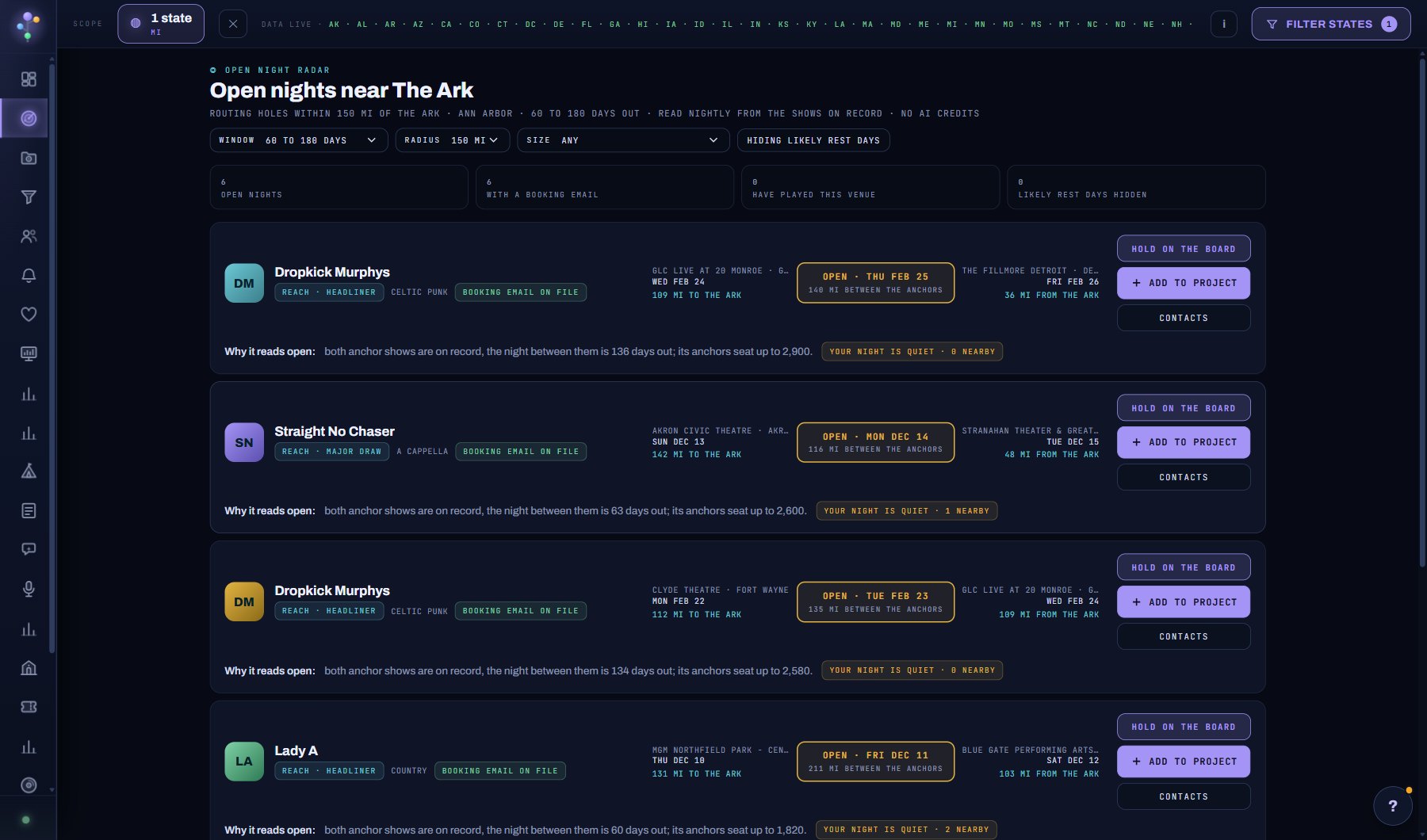
What is on the screen
- The venue the radar is centred on, the window and the radius, and how many acts have an open night in them.
- One row per open night: the act, its Reach and genre, whether a booking email is on file, the anchor show before and after with the miles from your venue, and why it reads open.
- Likely rest days greyed and last when shown, hidden otherwise.
- The share of flagged nights that later got a show, once fifty have passed.
Try this
- Pick the venue to centre on; the list starts with the first room in your profile (Account, Your AI) or your own venues from the Tour Planner.
- Leave the window at 60 to 180 days: nearer holes are usually spoken for or days off. Widen the radius when your venue is off the main corridors.
- A hole after four or more straight nights is a likely rest day. They are hidden by default; show them if you want to see everything, and read them as unlikely.
- HOLD ON THE BOARD opens a deal at stage hold for that night; + ADD TO PROJECT puts the act on your venue's calendar project; CONTACTS shows the act's booking addresses in place.
- The hit rate at the bottom says how many flagged open nights later got a show. It appears once fifty have passed.
AI on this screen
No AI on this screen. Everything here is computed from the data and costs nothing.
Plan
Every plan. Desktop only for now: on a phone the menu shows a note that it needs a bigger screen. See plans and seats.
Related screens
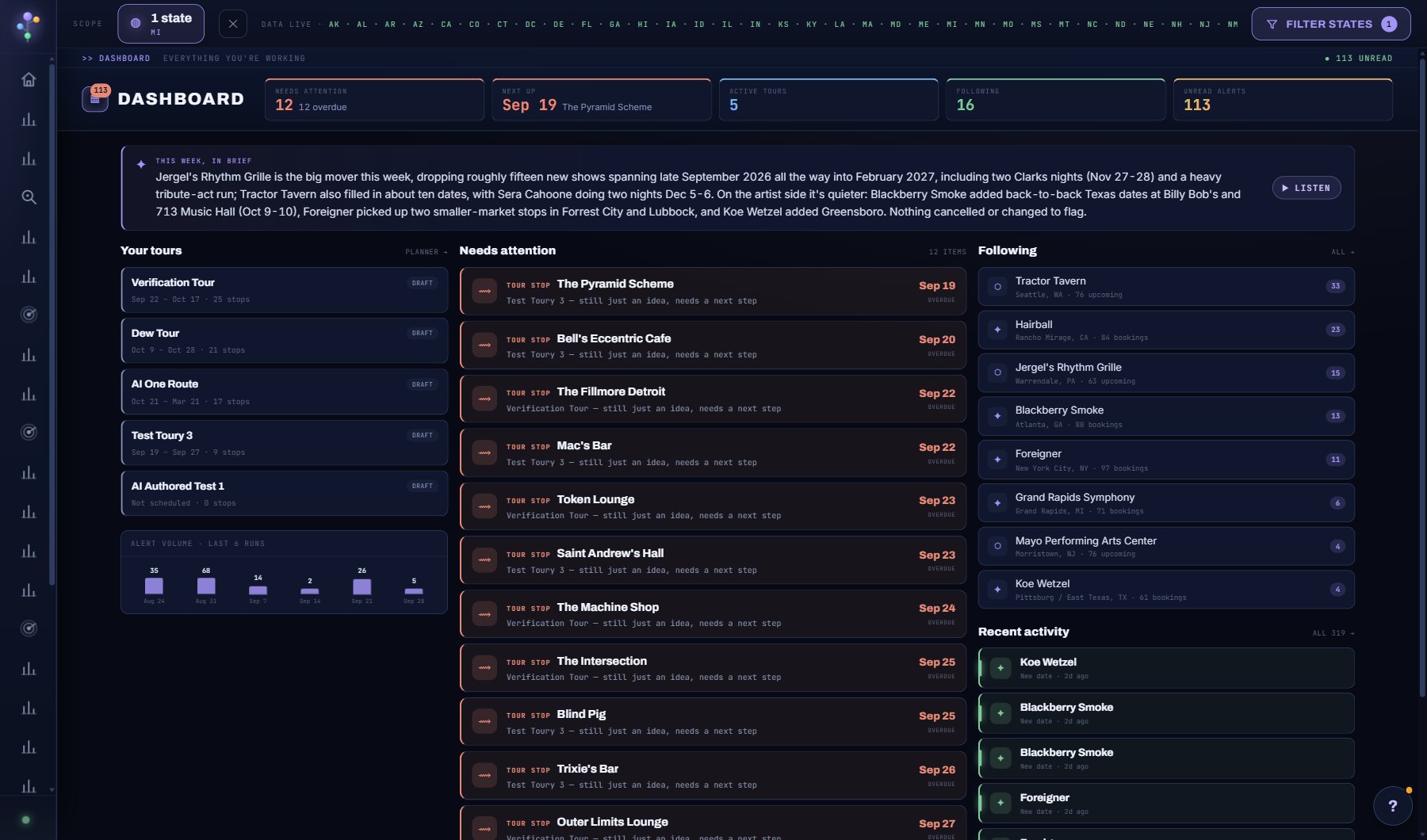
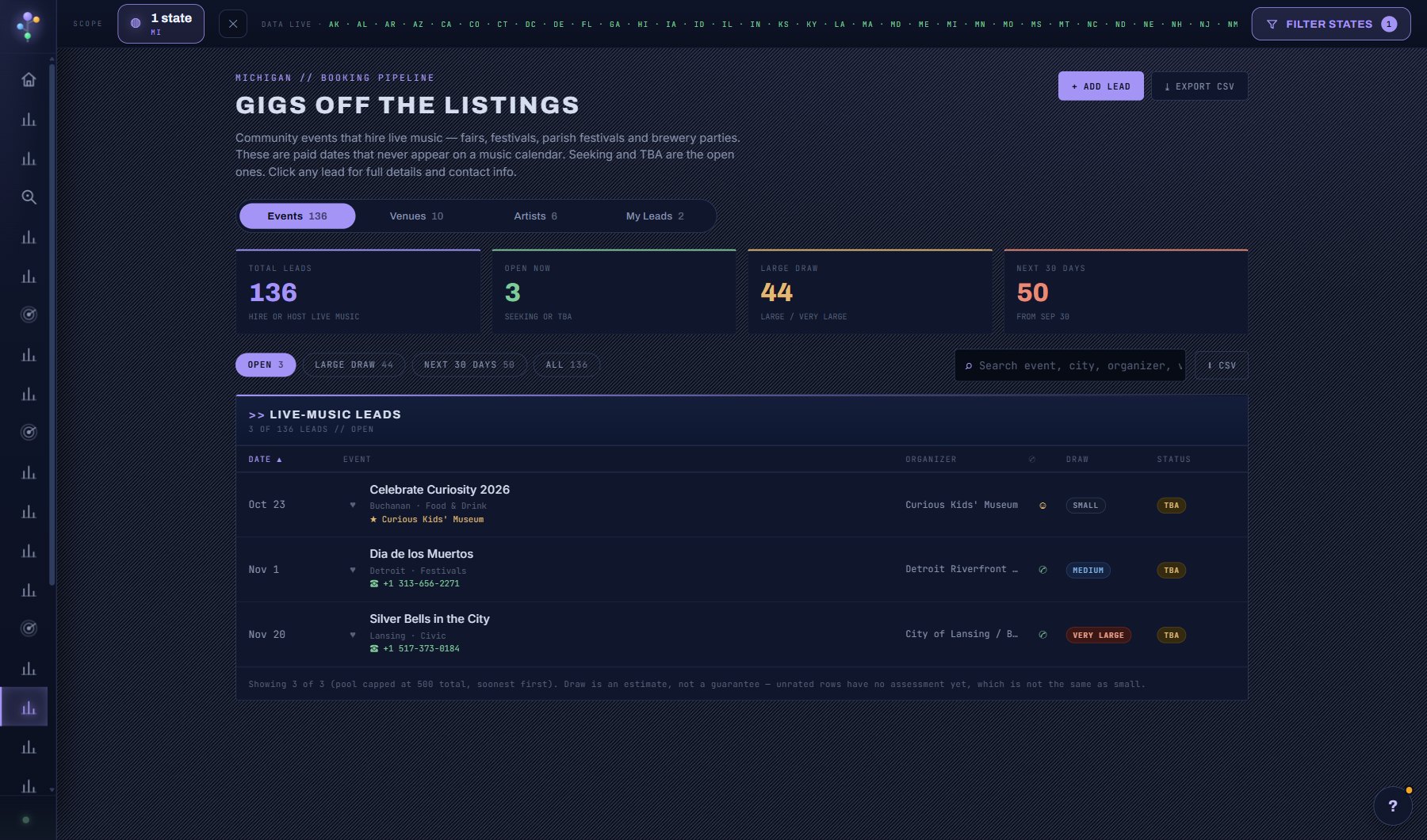
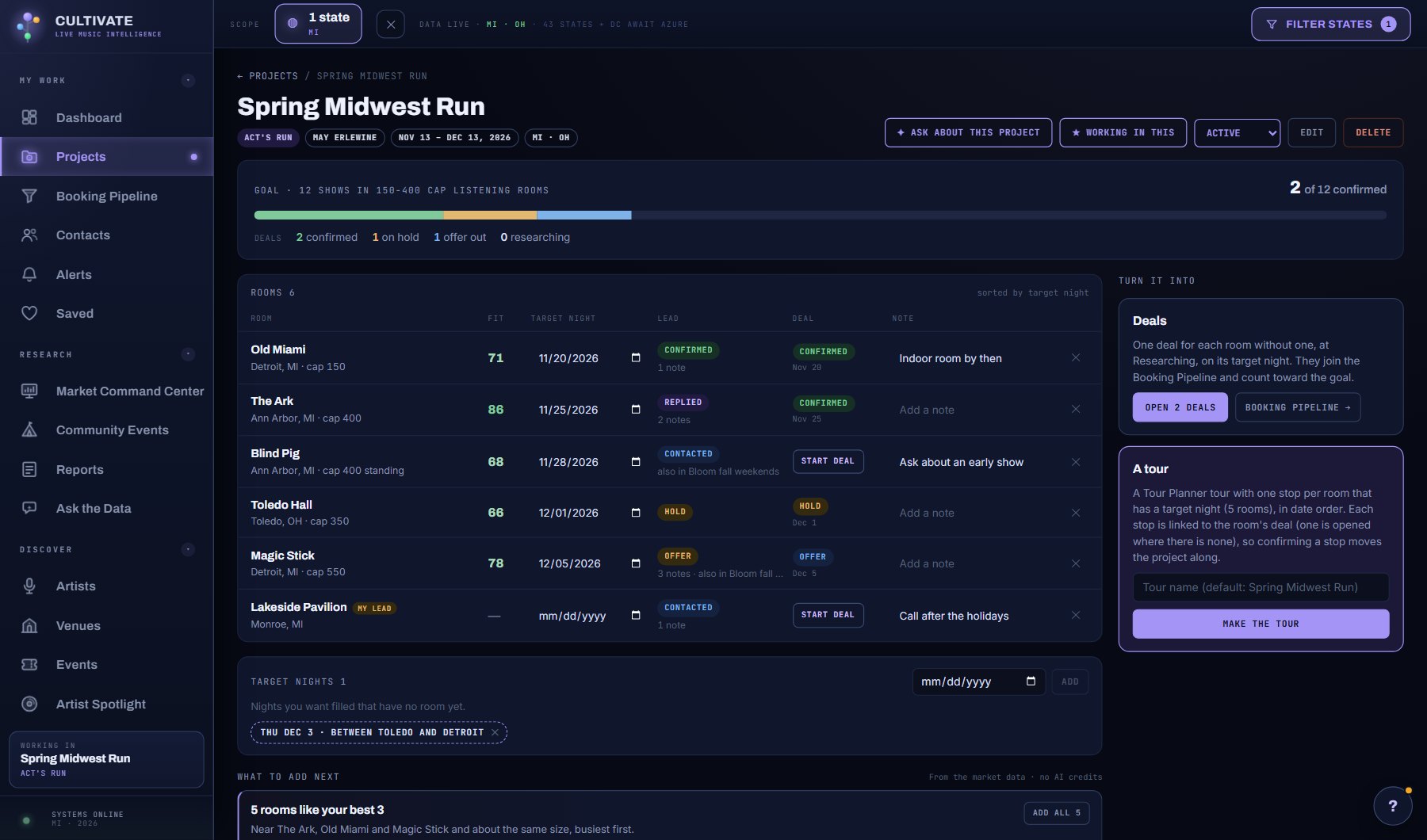
Where to find it
In the console: Research > Open Nights. Press ? on any screen for this guide inside the console, or open the screen if you are signed in.